08:30Teacher App
Start with
the class.
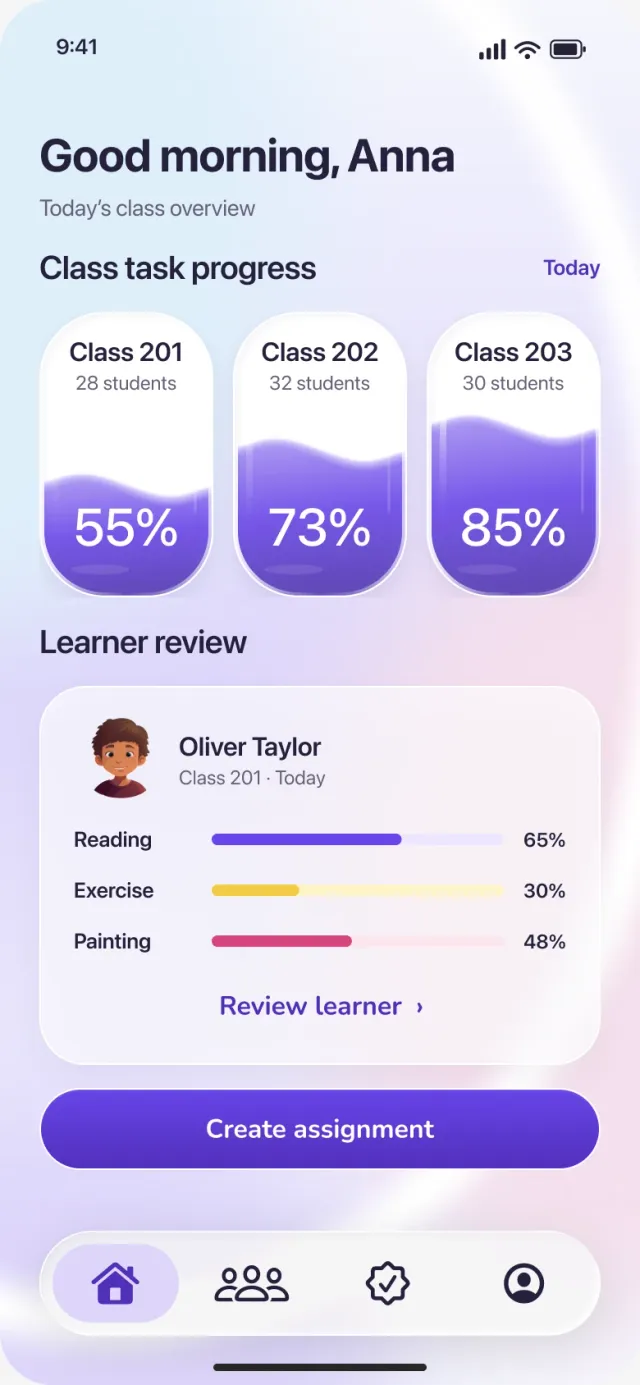
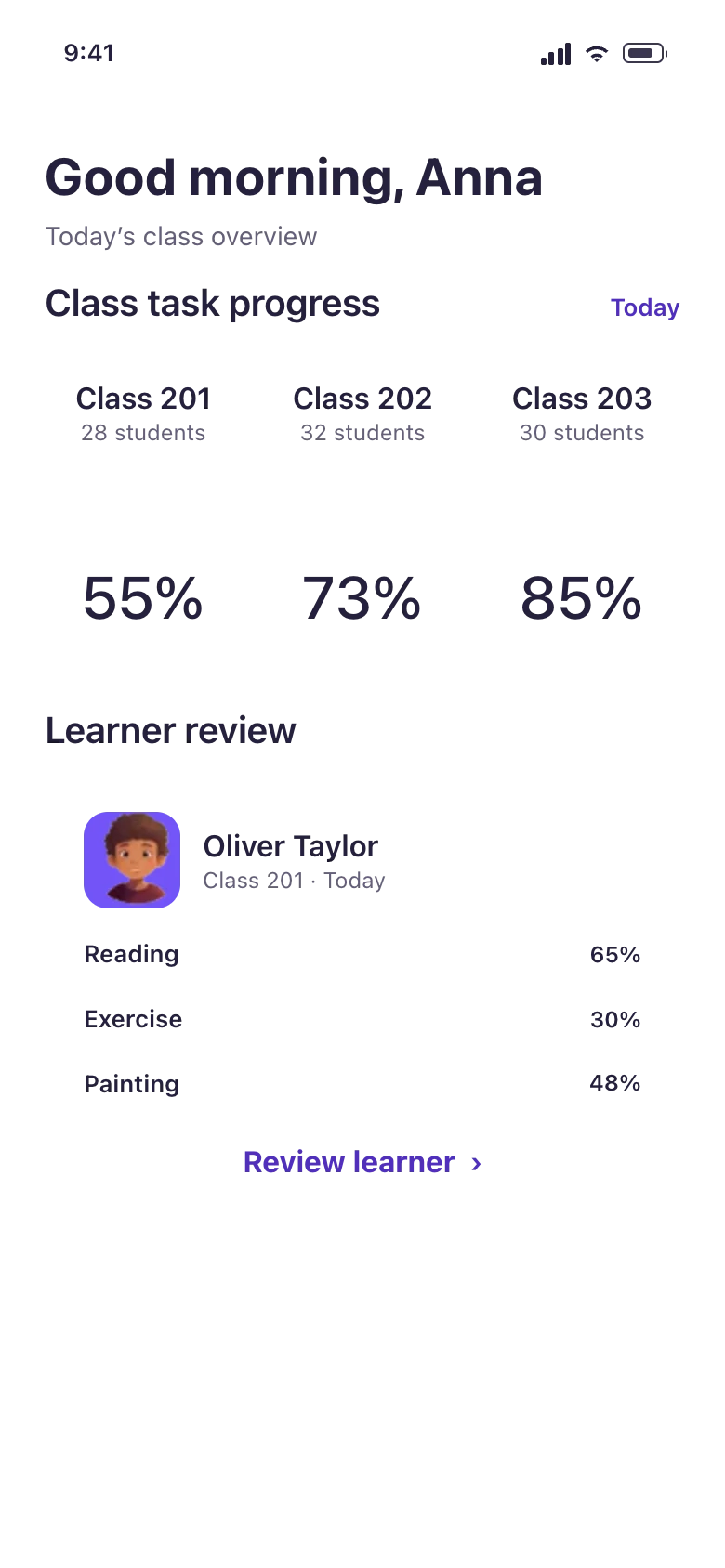
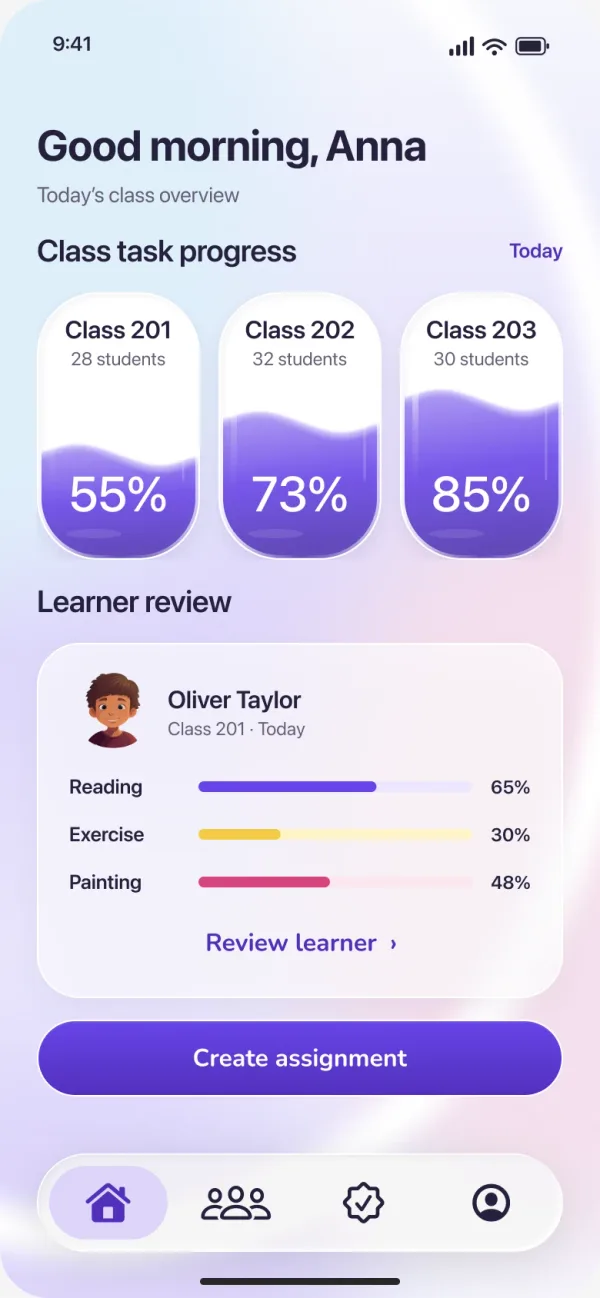
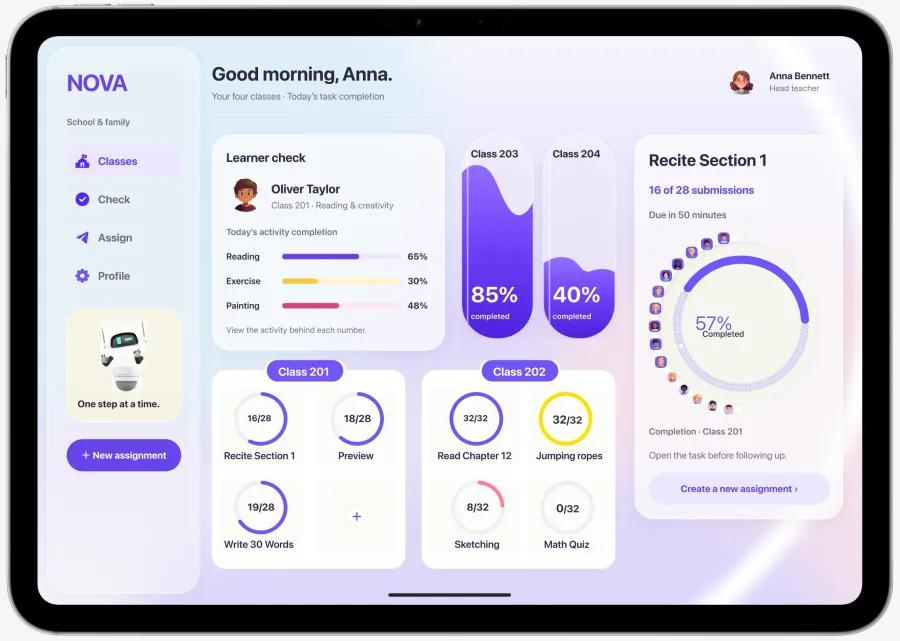
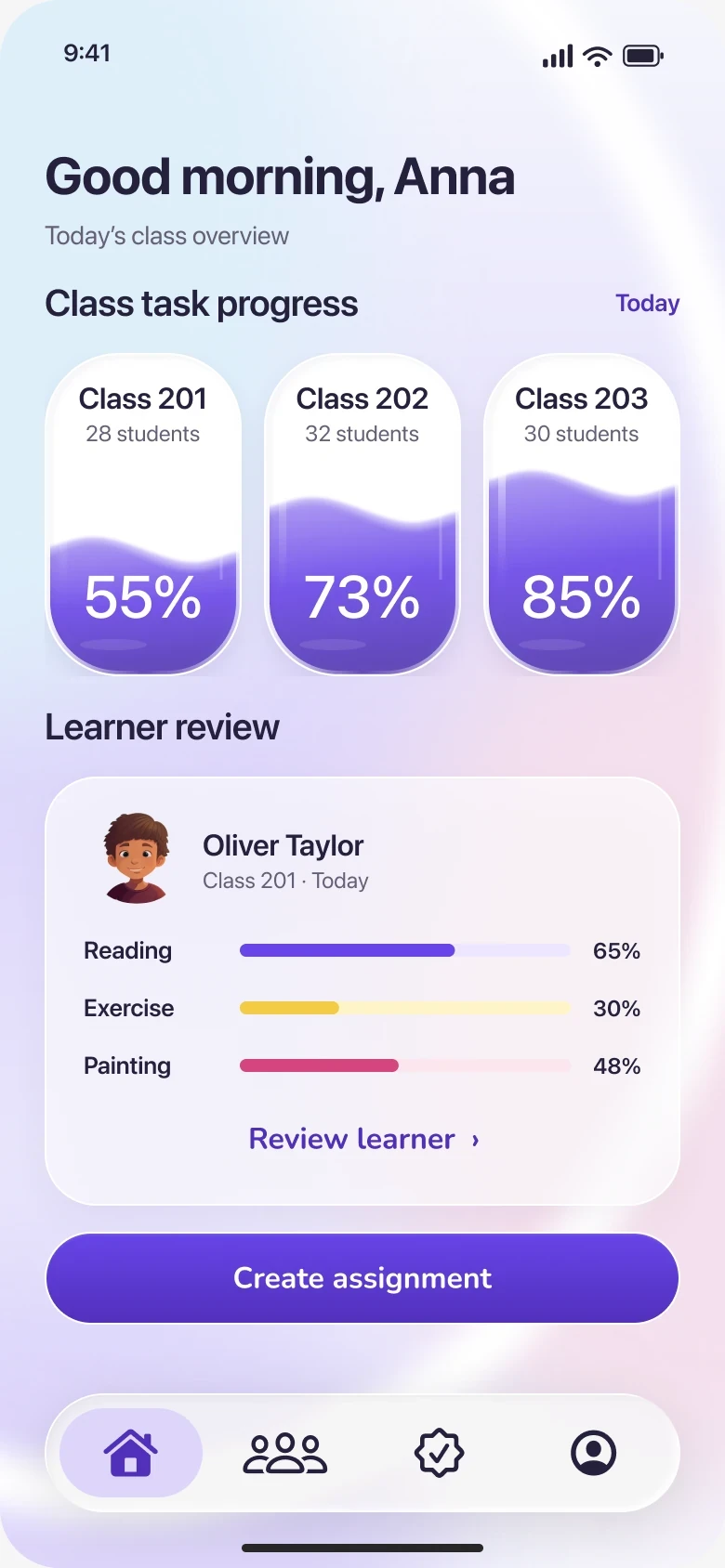
Three classes. Today’s completion fills each capsule.
School + home · UI/UX · 2024 / 2026
A school day, shared between a teacher, a child and a family.
Scroll through the day
08:30Teacher App
Three classes. Today’s completion fills each capsule.
08:35Teacher App
Reading, exercise and painting stay separate. No single score.
09:00NovaHub · class board
Twenty-eight children, twenty-eight planets. None is ranked.
15:50Ribbon · on the wrist
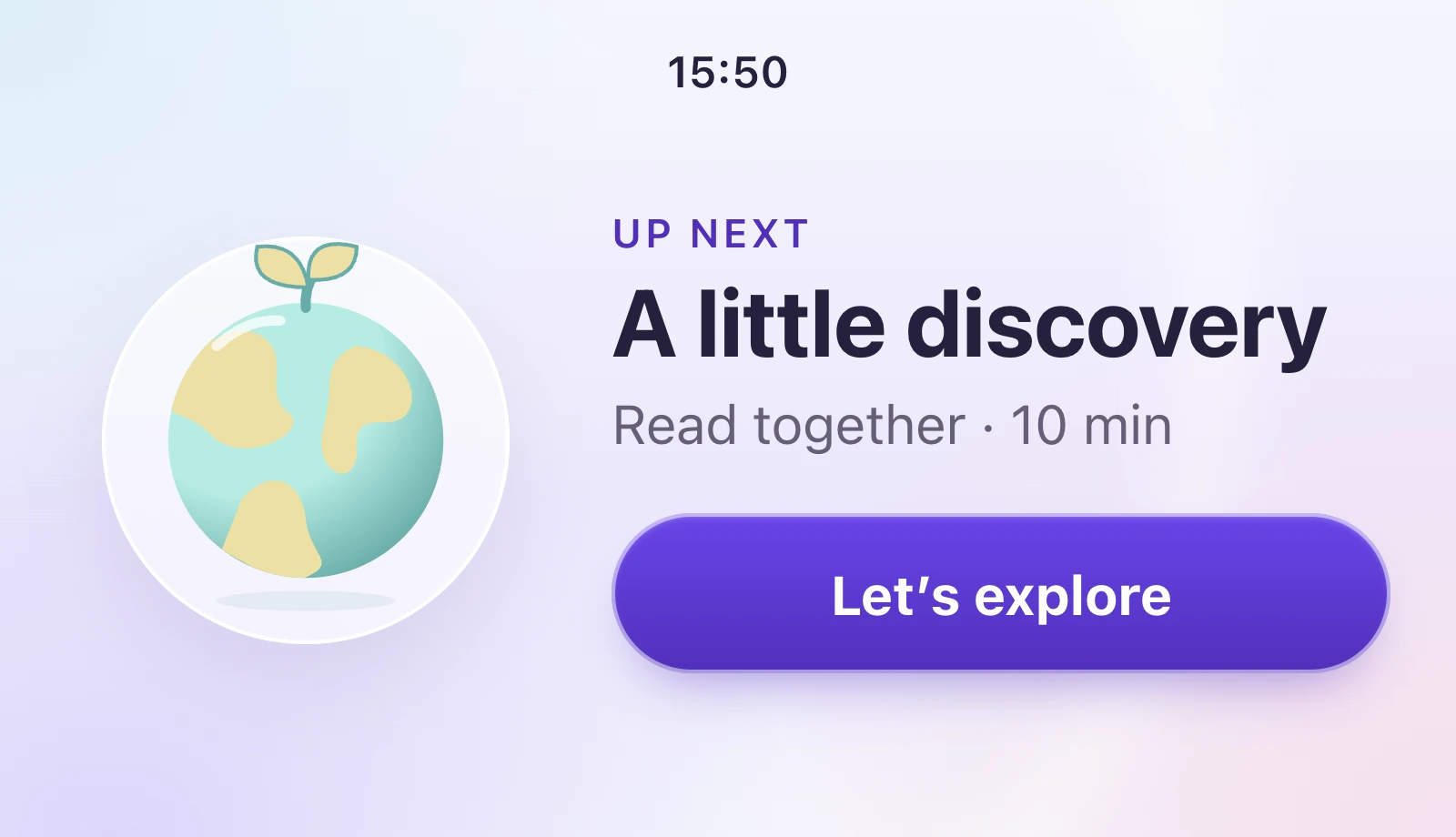
Oliver takes his planet and today’s activity with him.
18:00Family App
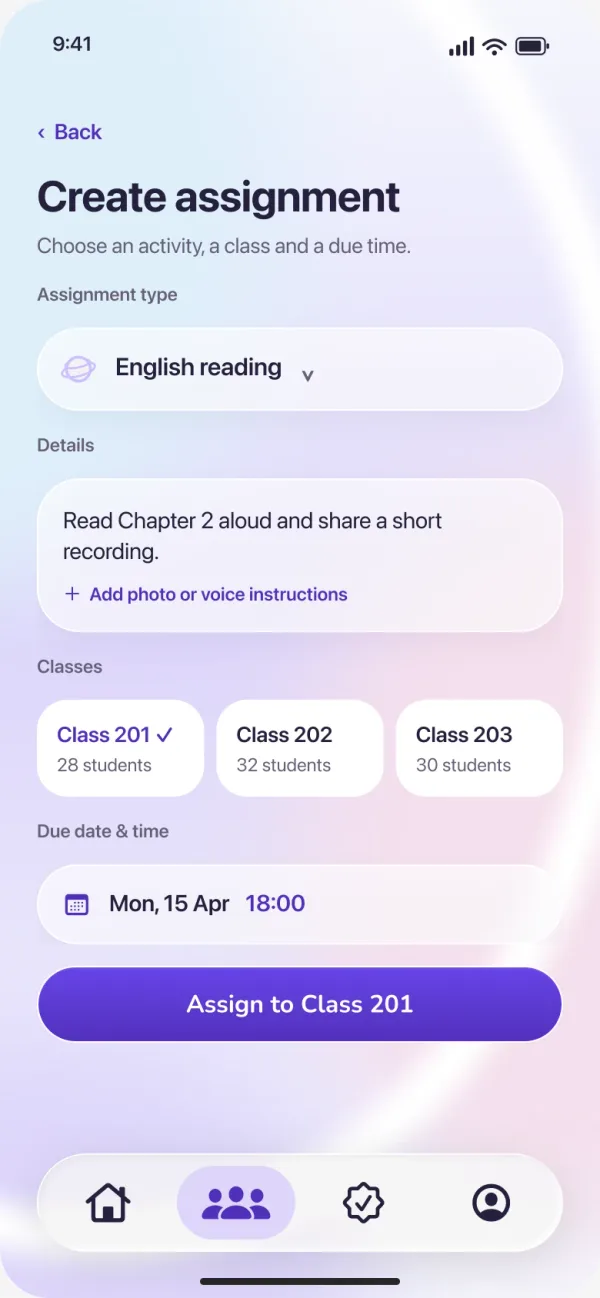
The teacher’s instructions travel with it. A voice note is only how it comes back.
21:00Teacher App
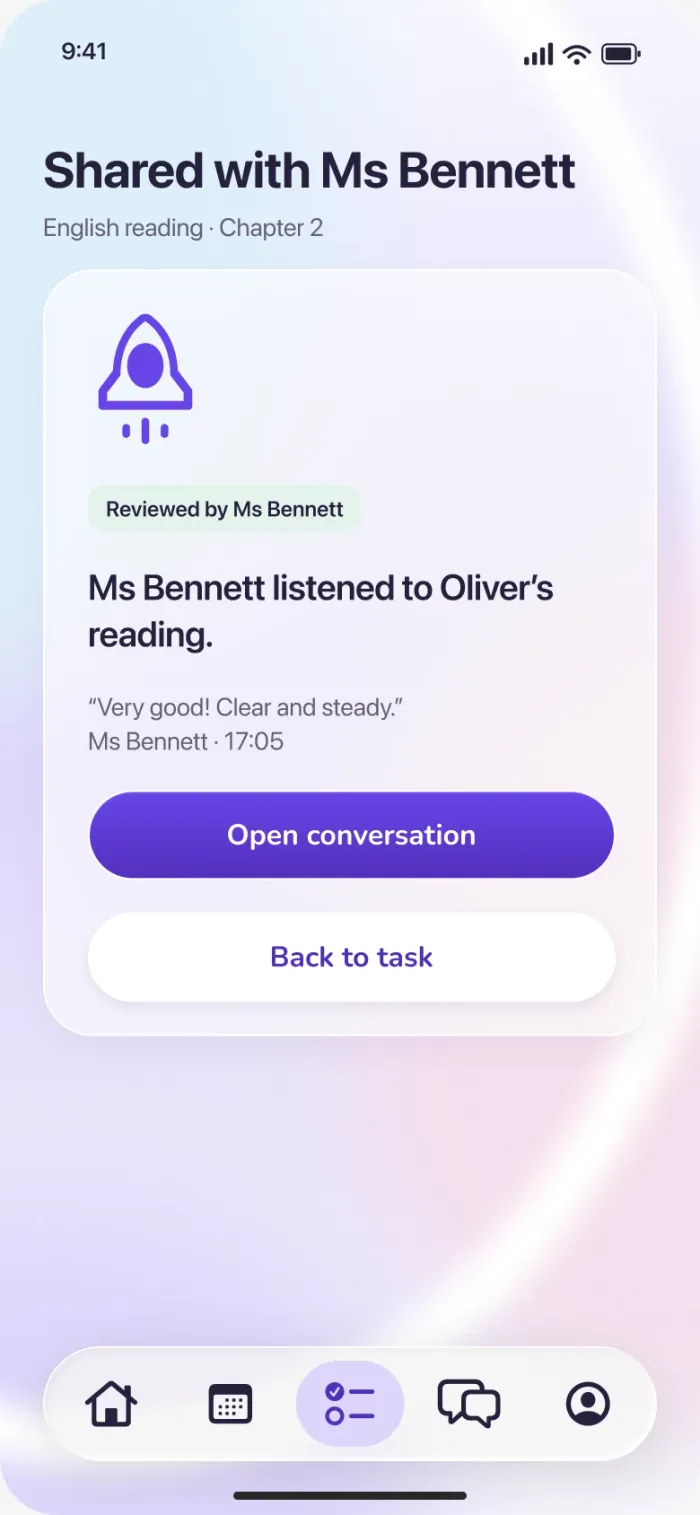
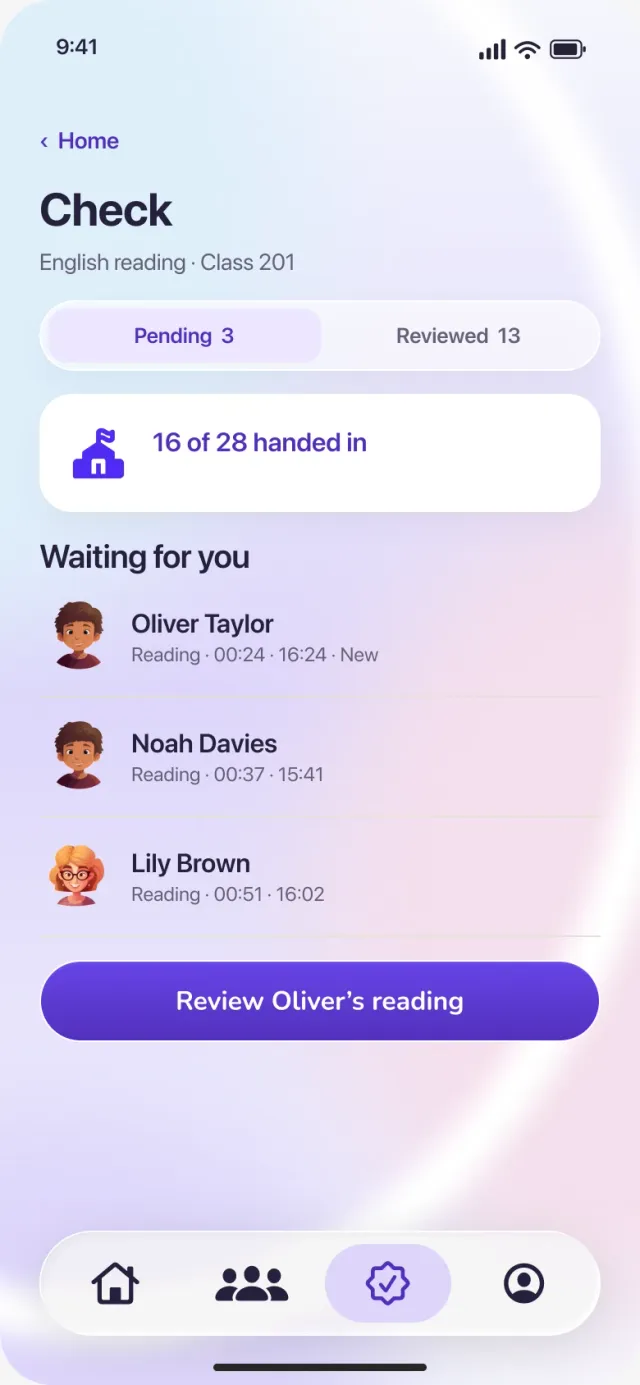
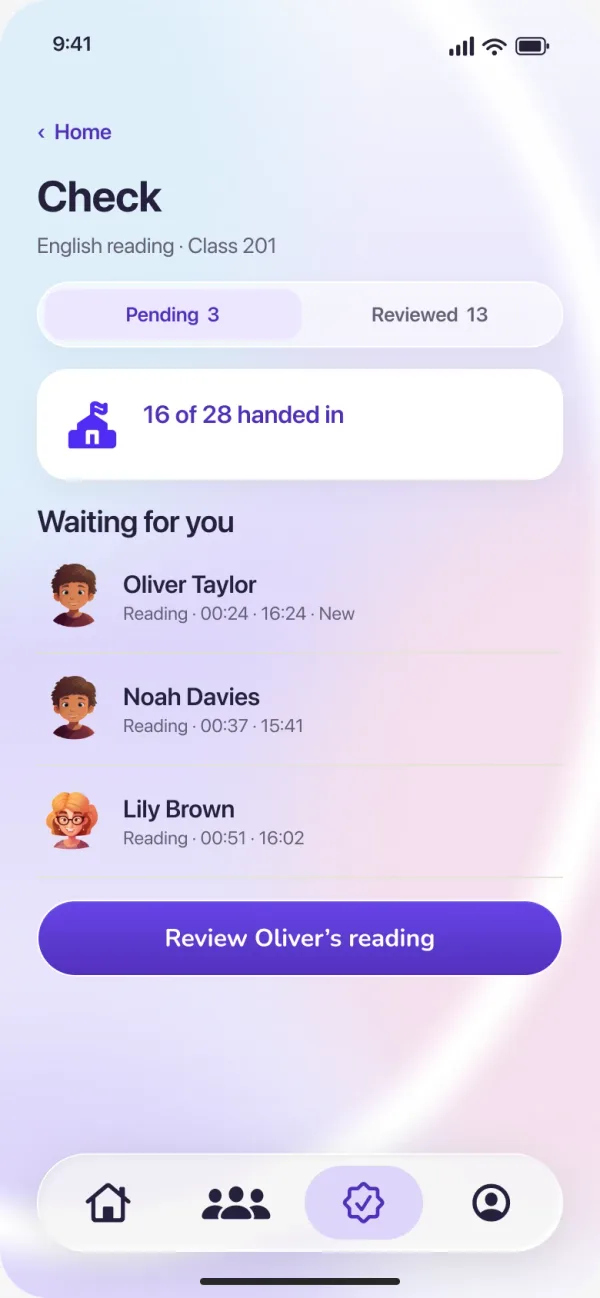
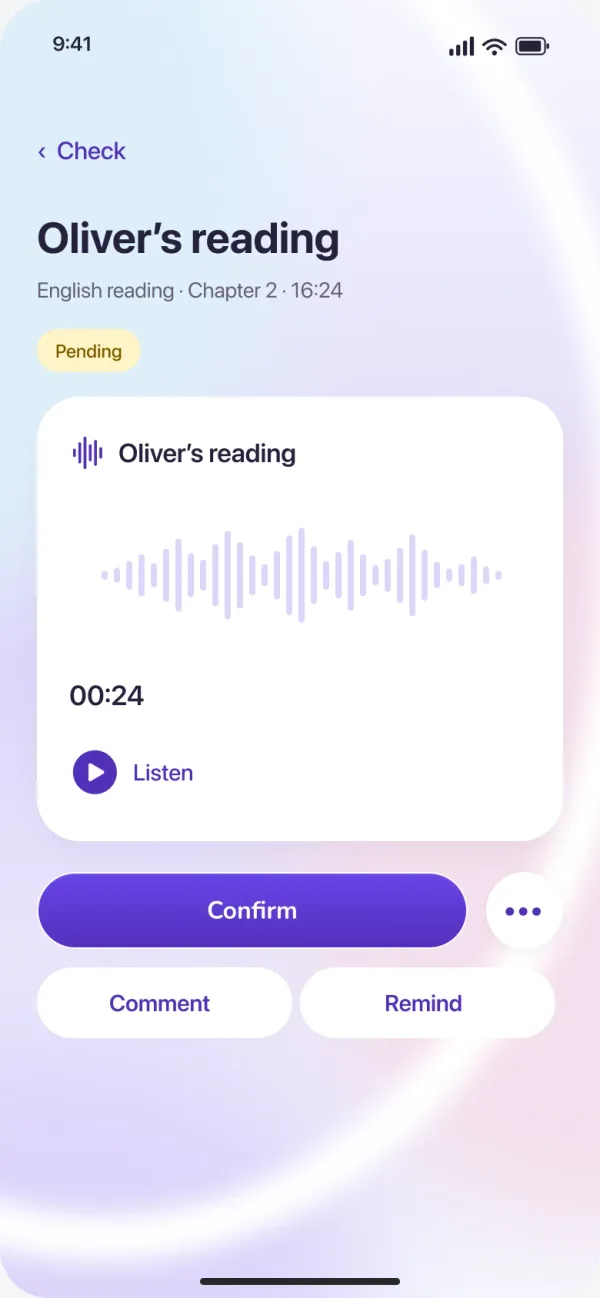
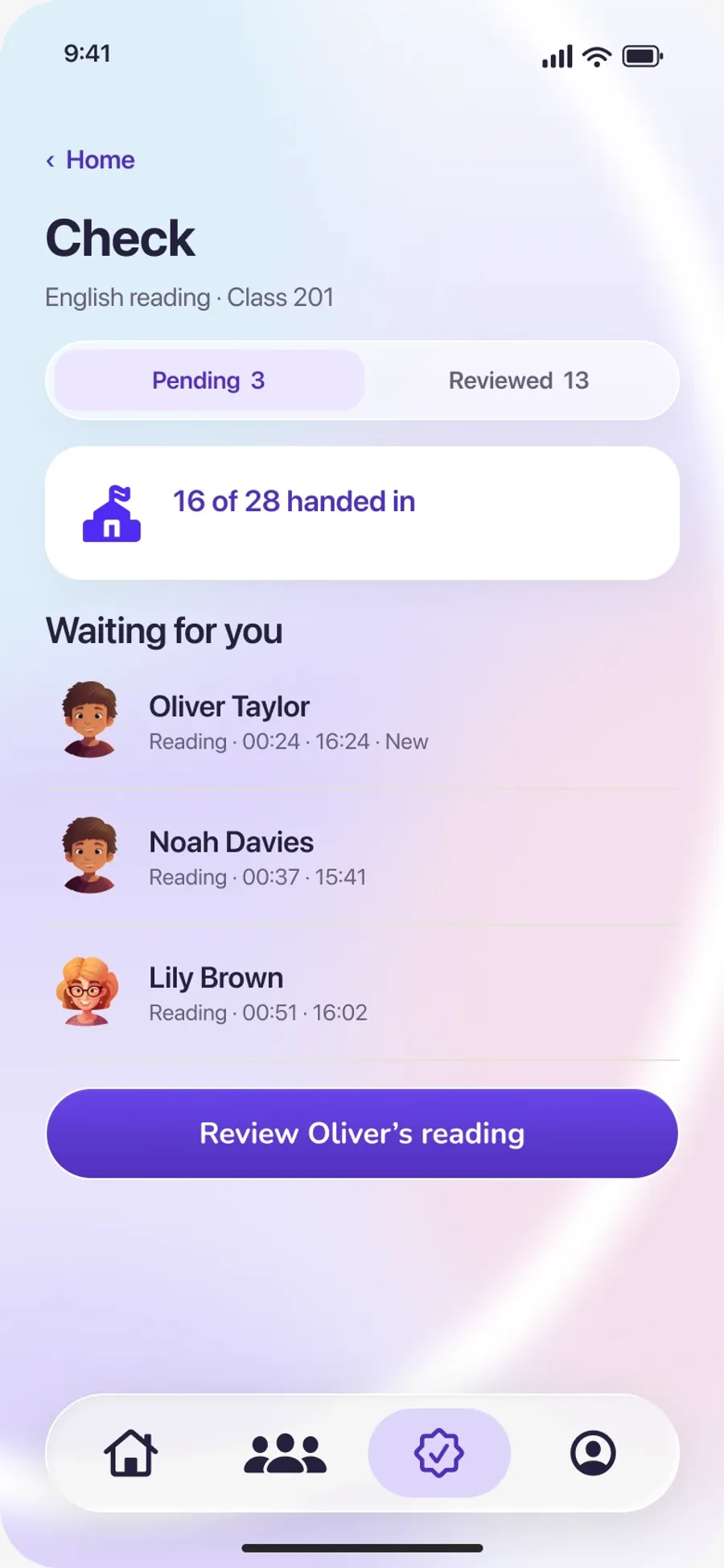
Oliver’s reading moves from Pending to Reviewed, and the reply goes home.
Solo project. Research, flows, interface design and the working prototype on this page. Sample people and data.
The research → Teacher AppStart with the class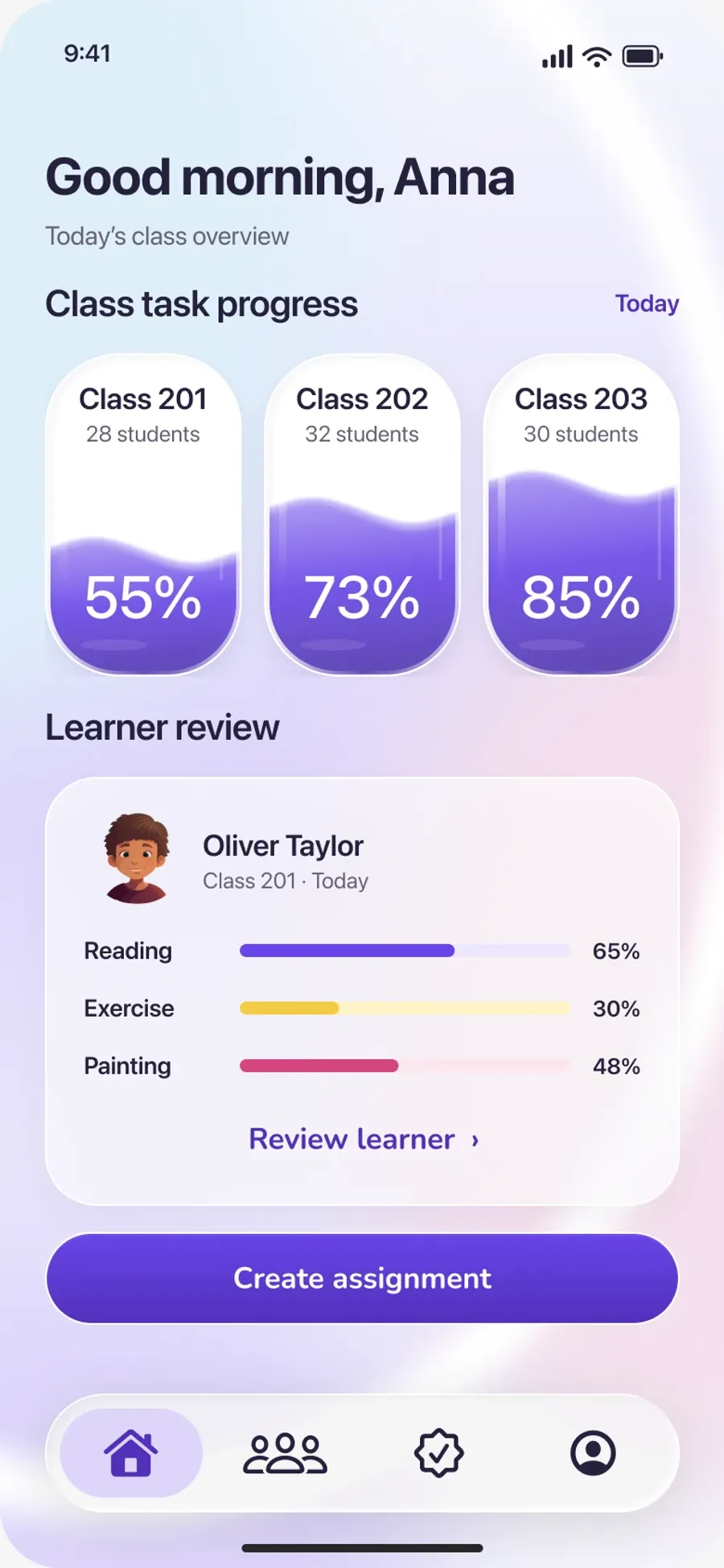 28children, one class board RibbonUp next, on the wrist
 One childNo single score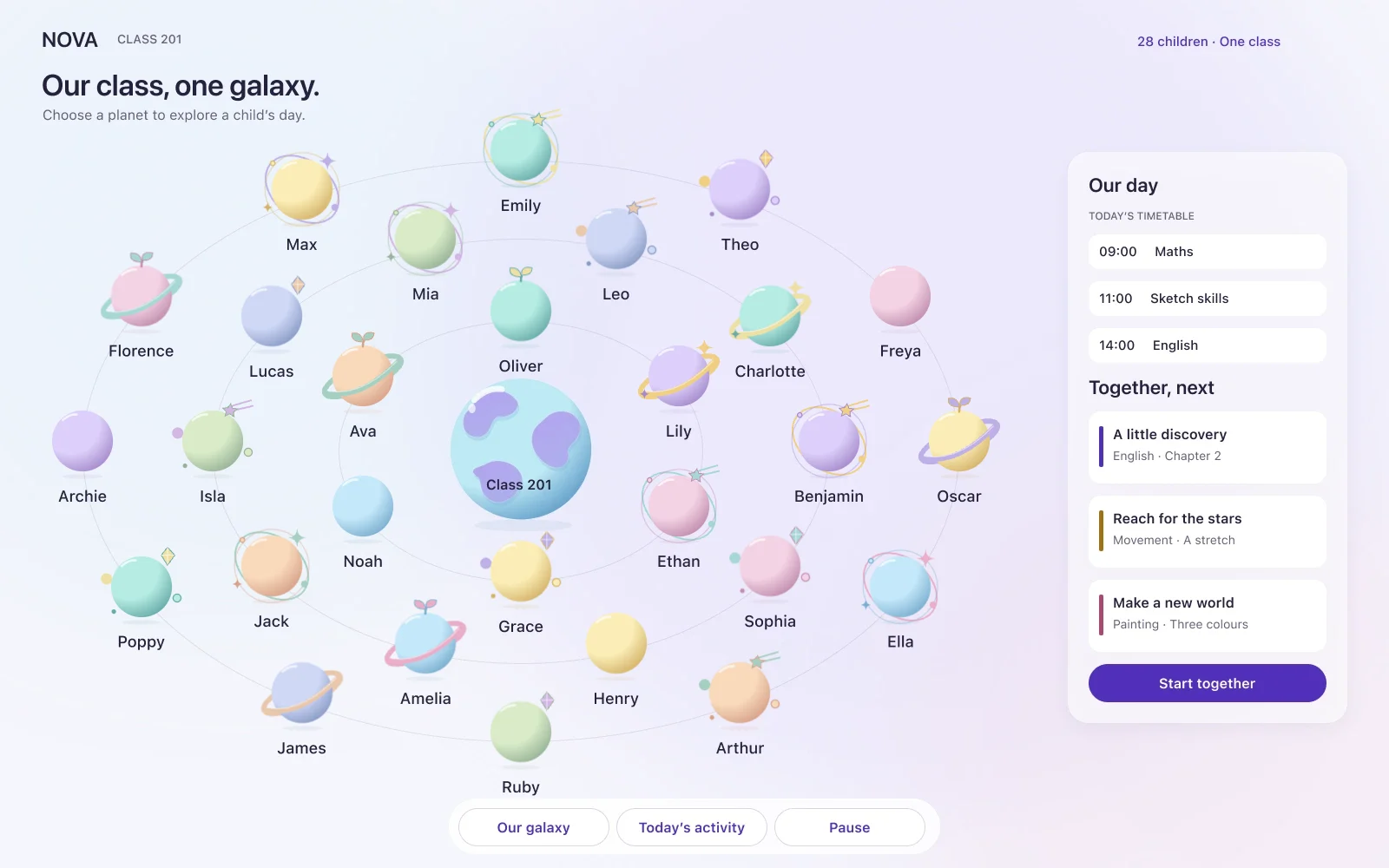
 Family AppThe task, at home
 2024 → 2026
 →
→
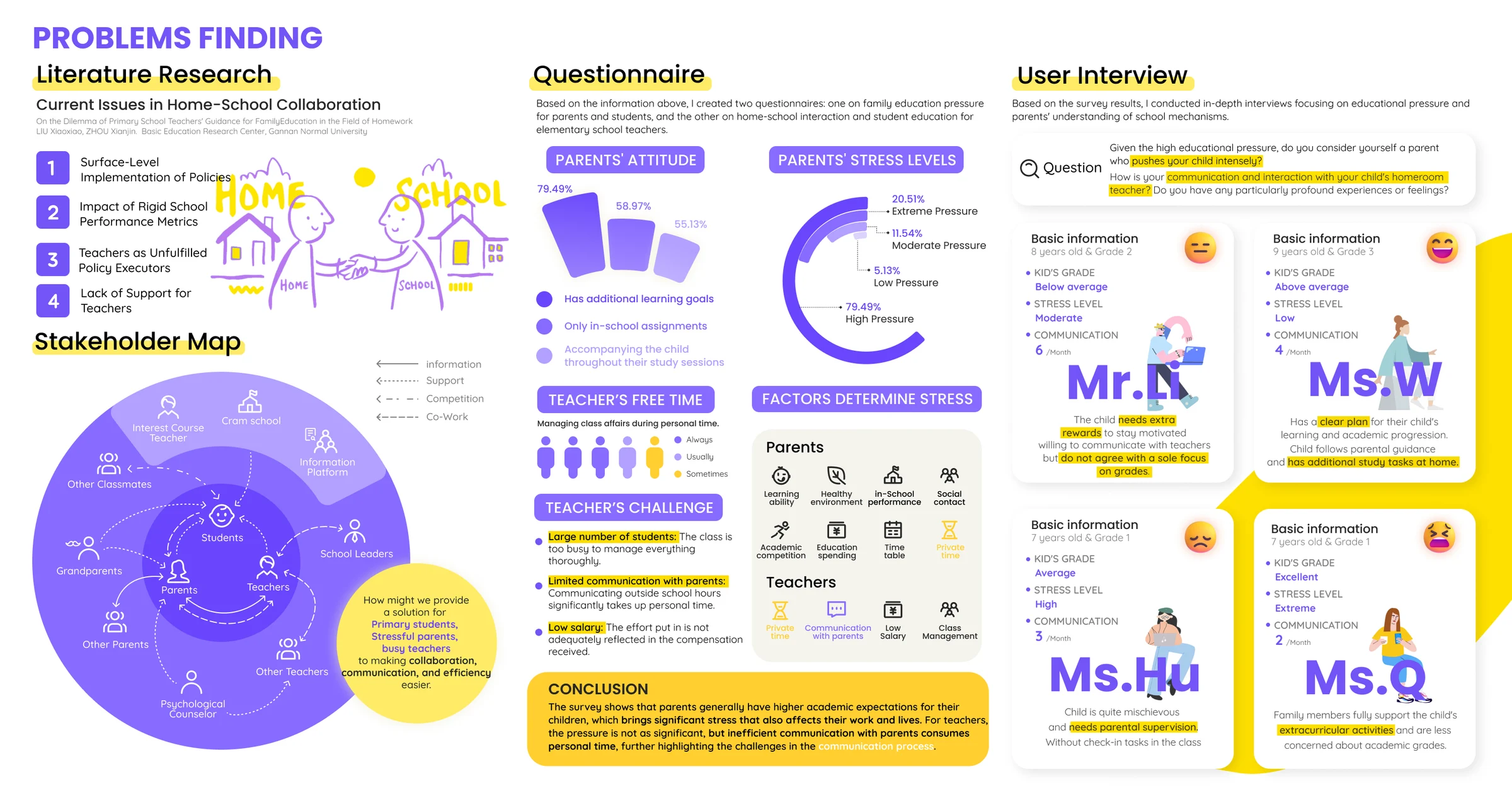
Project · Research
“How might we provide a solution for primary students, stressful parents and busy teachers, to make collaboration, communication and efficiency easier?”
Desk research · questionnaires · interviews · stakeholder map · personas · original board ↗
Families · parent questionnaire
79%
have learning goals beyond school.
→ Keep the teacher’s instructions beside the action they explain.
Teachers · teacher questionnaire
3 in 5
always handle class affairs in their own time.
→ One queue: waiting for review, apart from already answered.
Children · design response
A day holds more than marks. A planet of their own; reading, movement and making stay separate. No ranking, no single score.
Parent interviews
→ Let the task carry its own guidance, without another conversation first.
Three people, one task


It runs on the classroom’s existing display. Every child is a planet; none is ranked.
HoverTap a planet to open that child’s day.
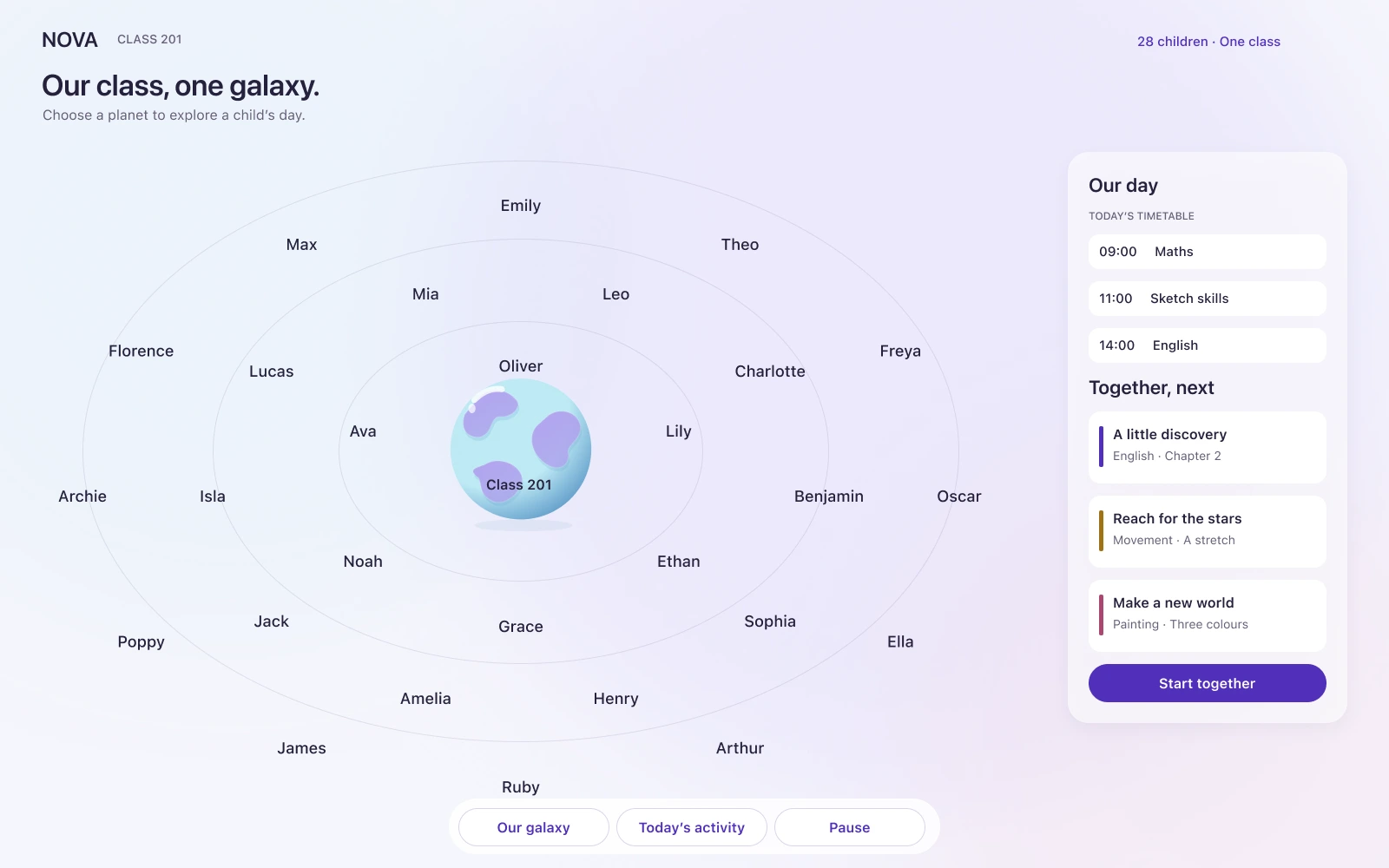
Class 201
Oliver’s worldToday’s invitation · Read. Move. Make.
Oliver takes his planet and one next step with him. Try the screen.
Next activity. Tap “Let’s explore” on the screen.
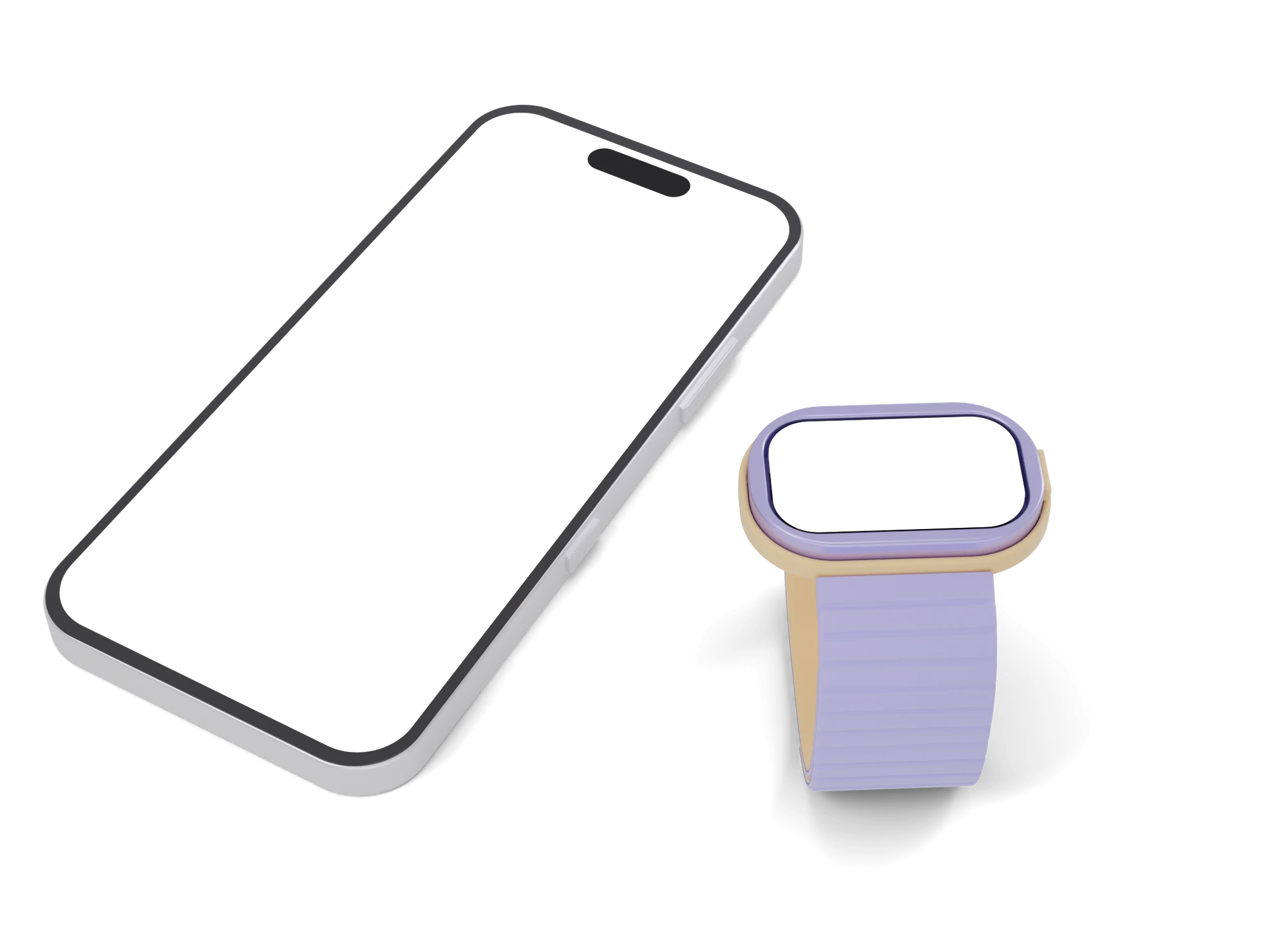
47 × 30 mm, lilac shell, butter cradle. Hover a dot for what each part does.
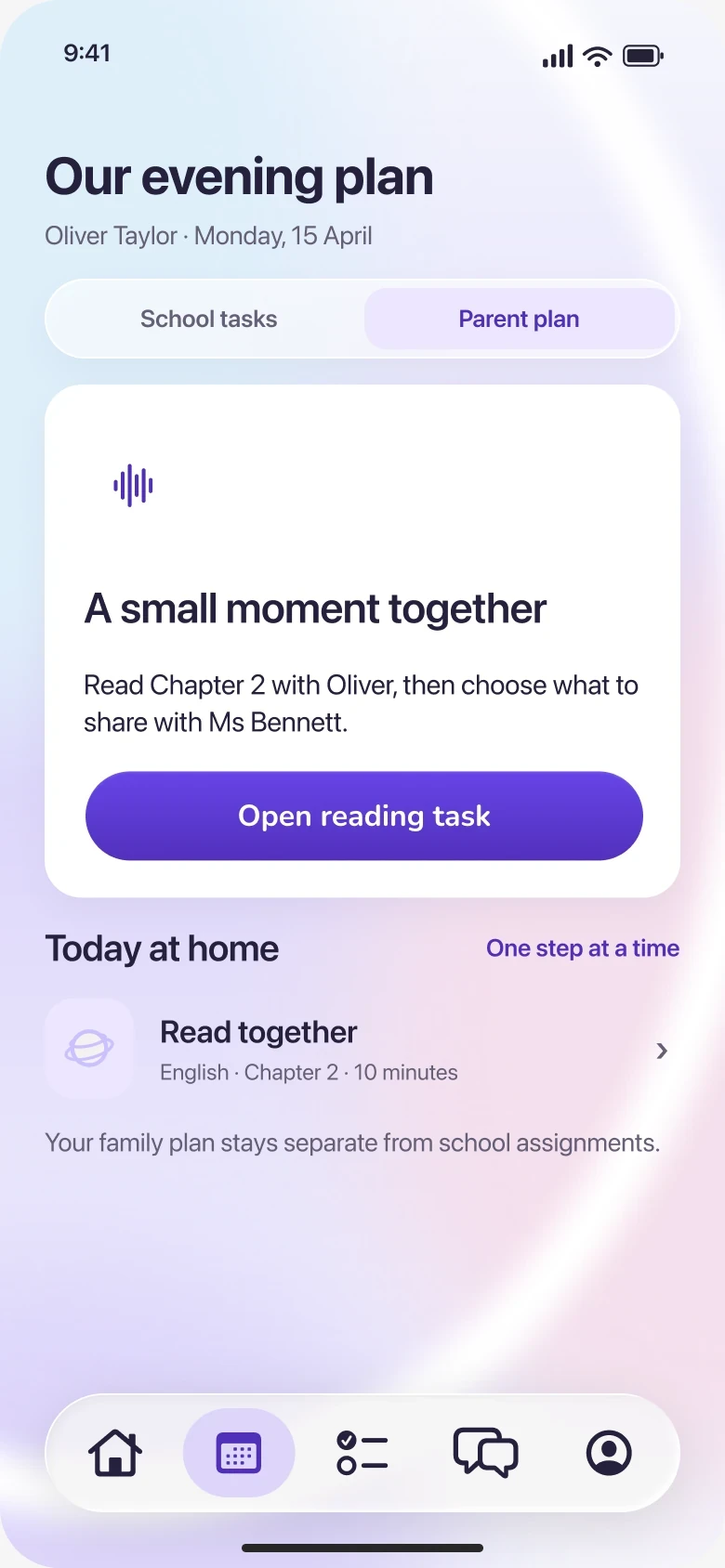
The family plans in the App. Ribbon shows one step.
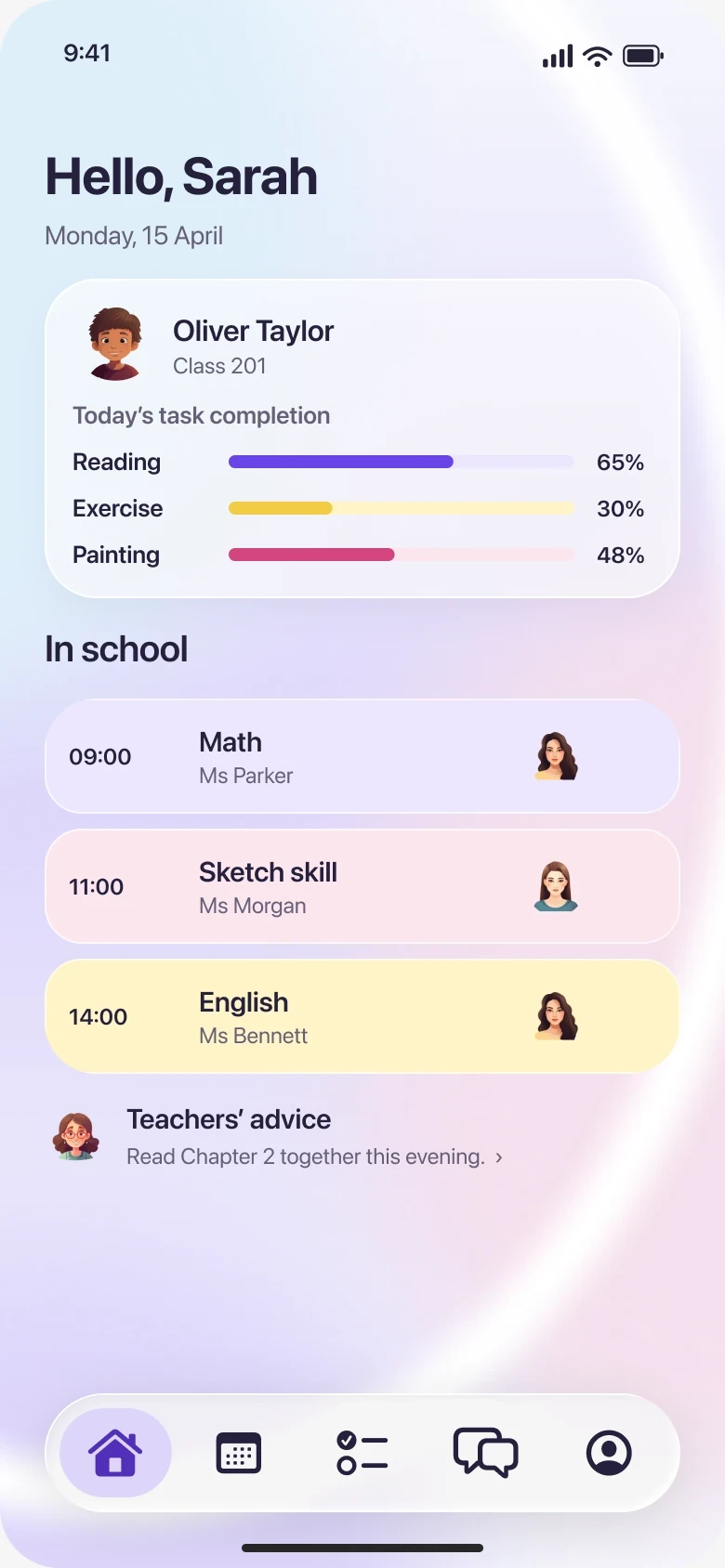
Monday, 15 April
 Oliver TaylorClass 201
Today’s task completion


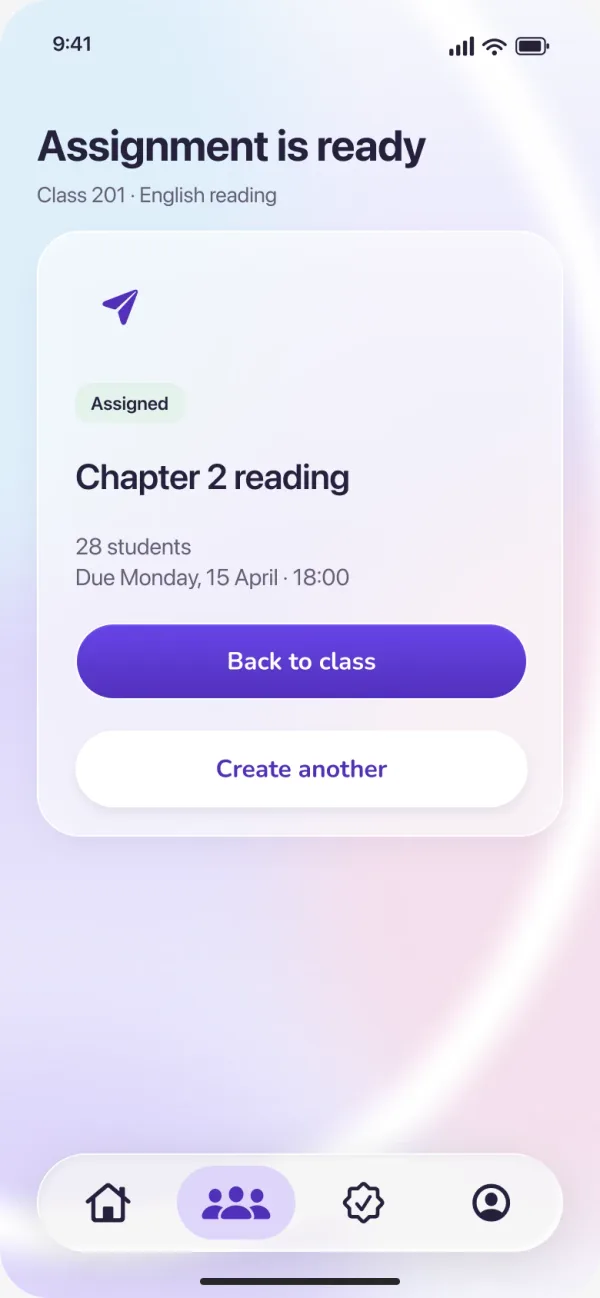
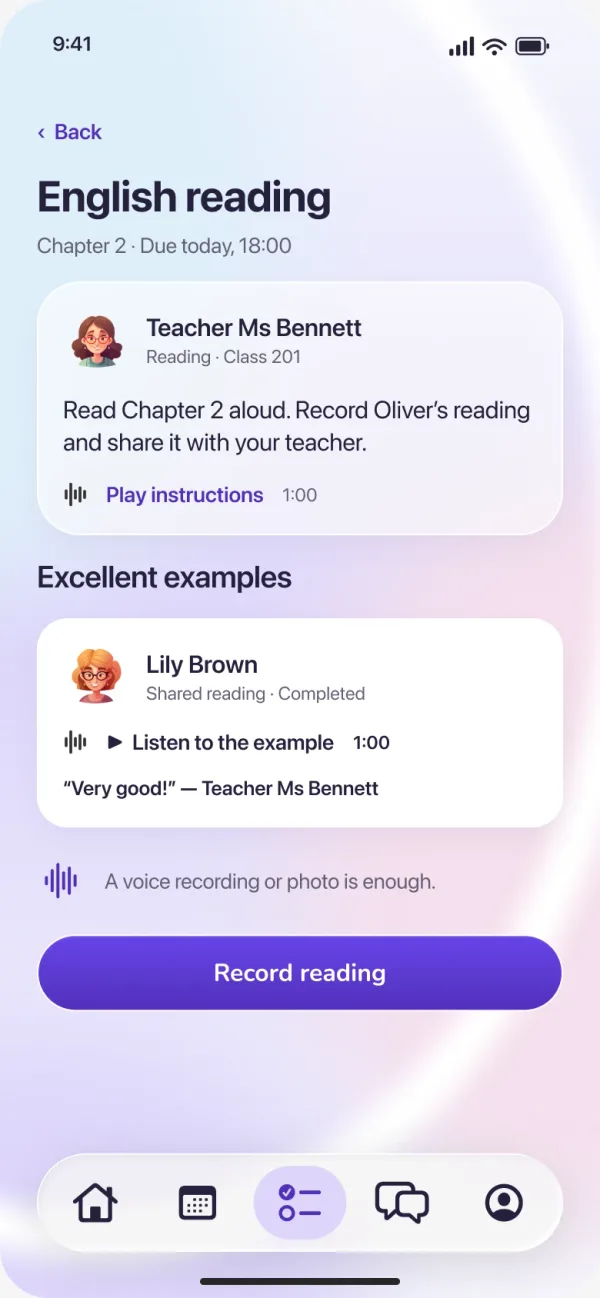
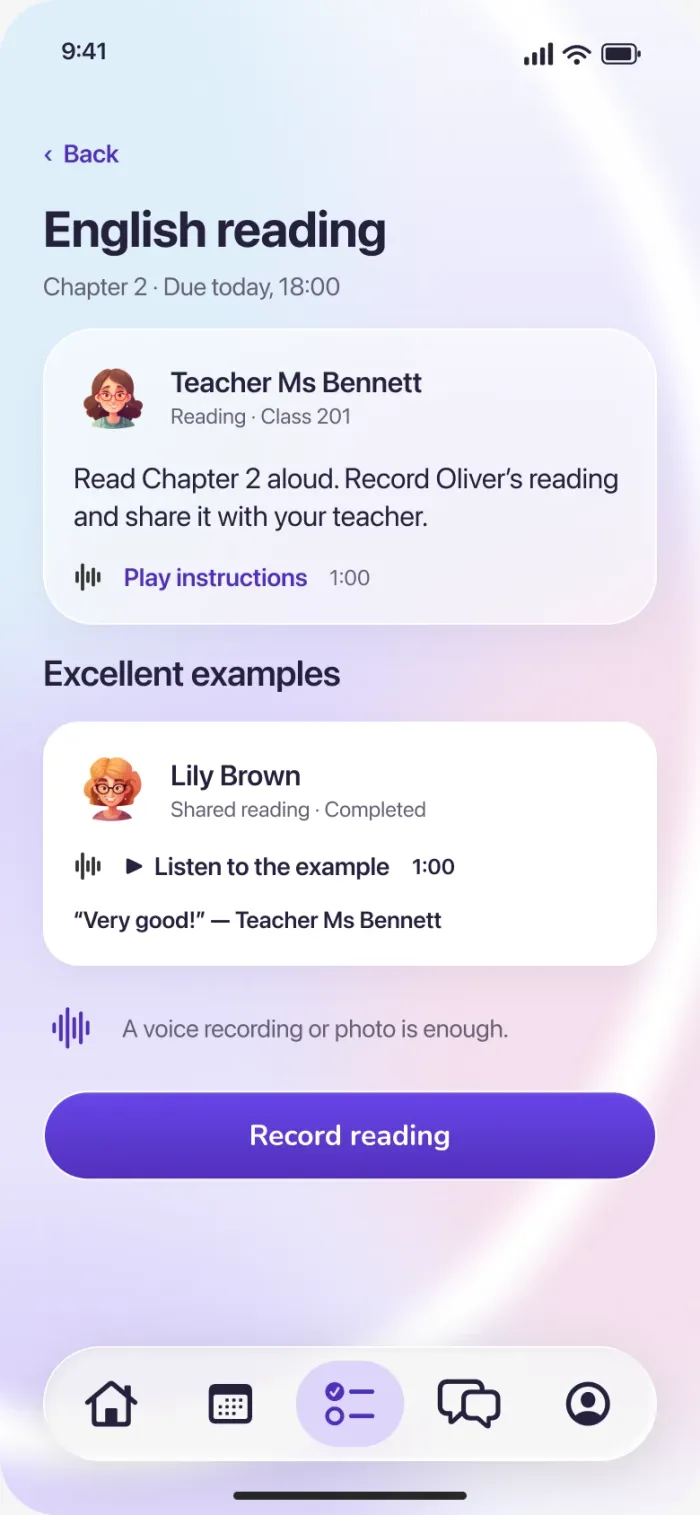
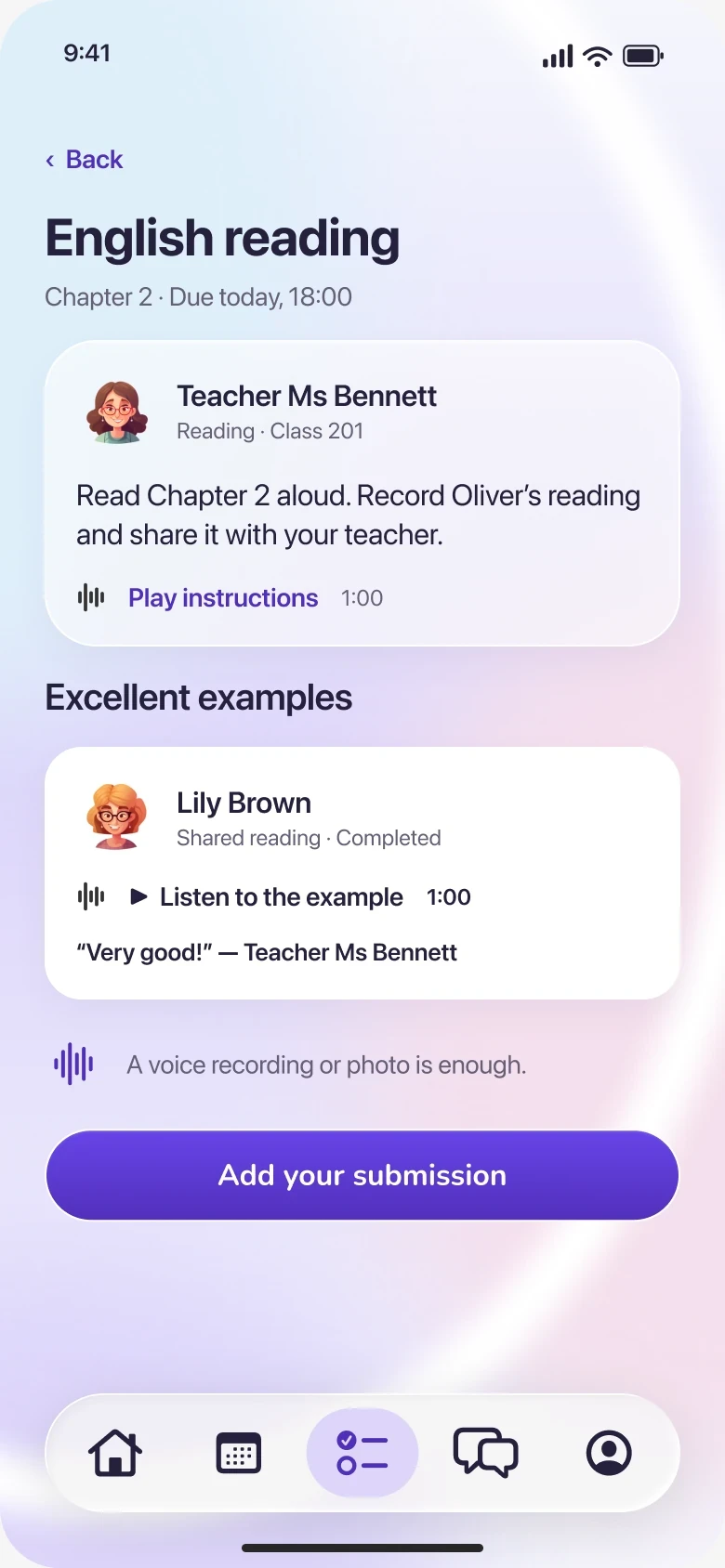
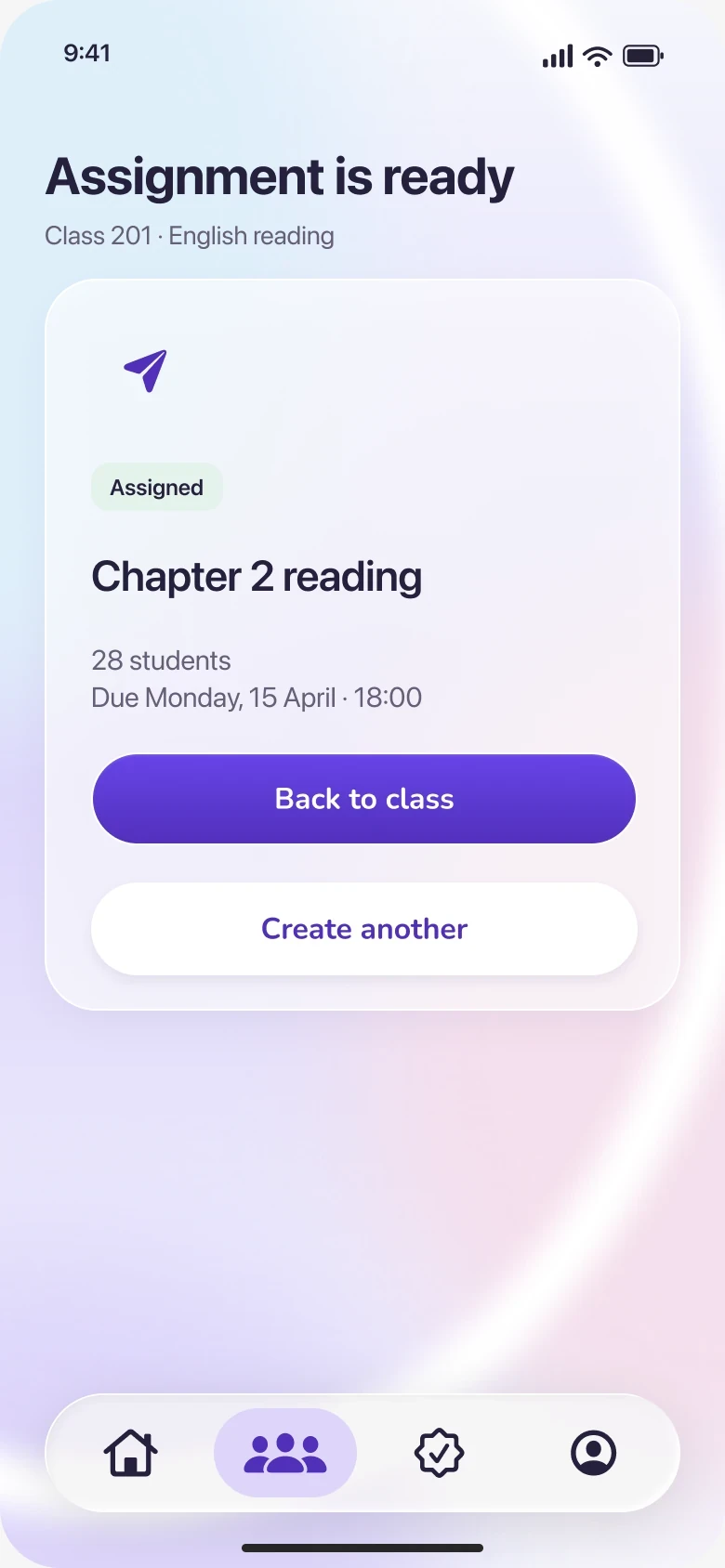
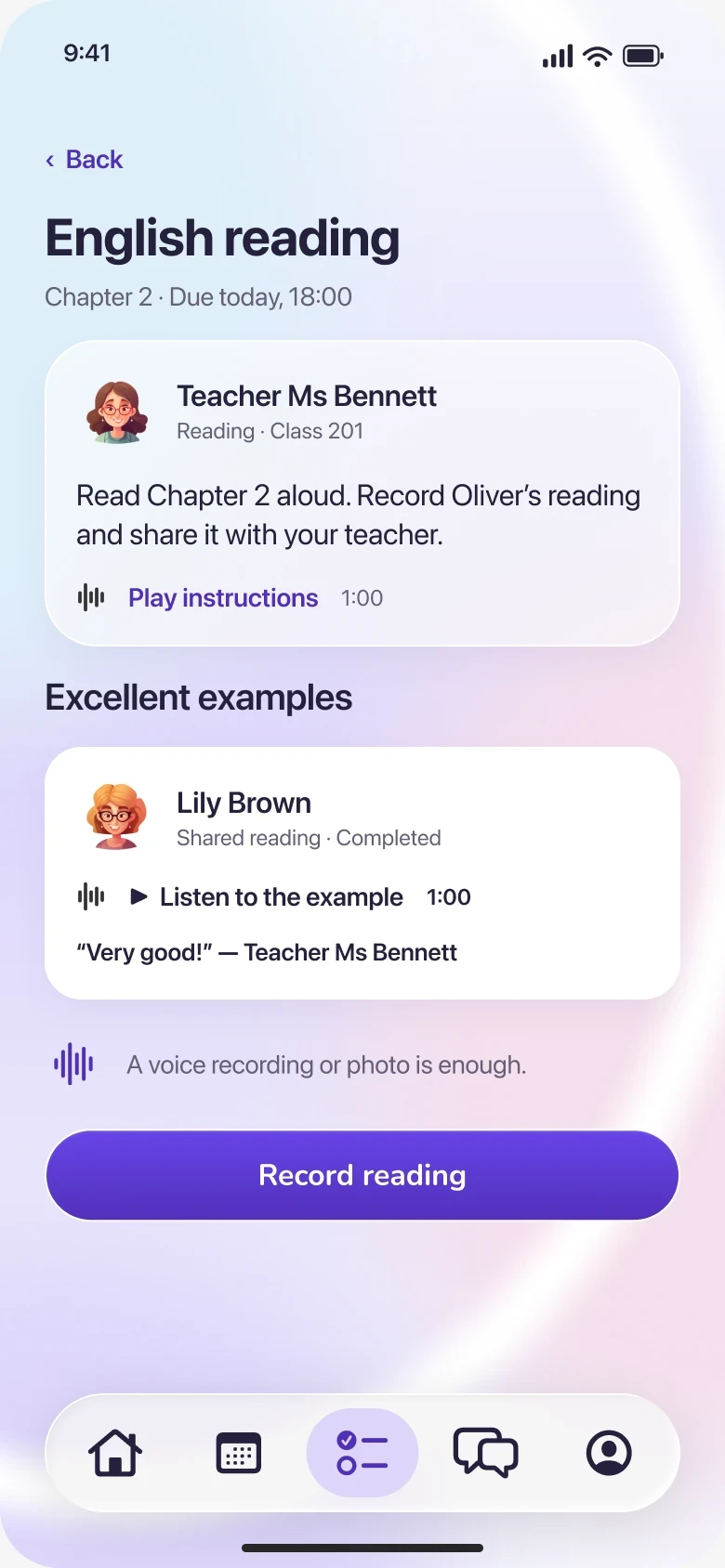
Chapter 2 · Due today, 18:00
 Teacher Ms BennettReading · Class 201
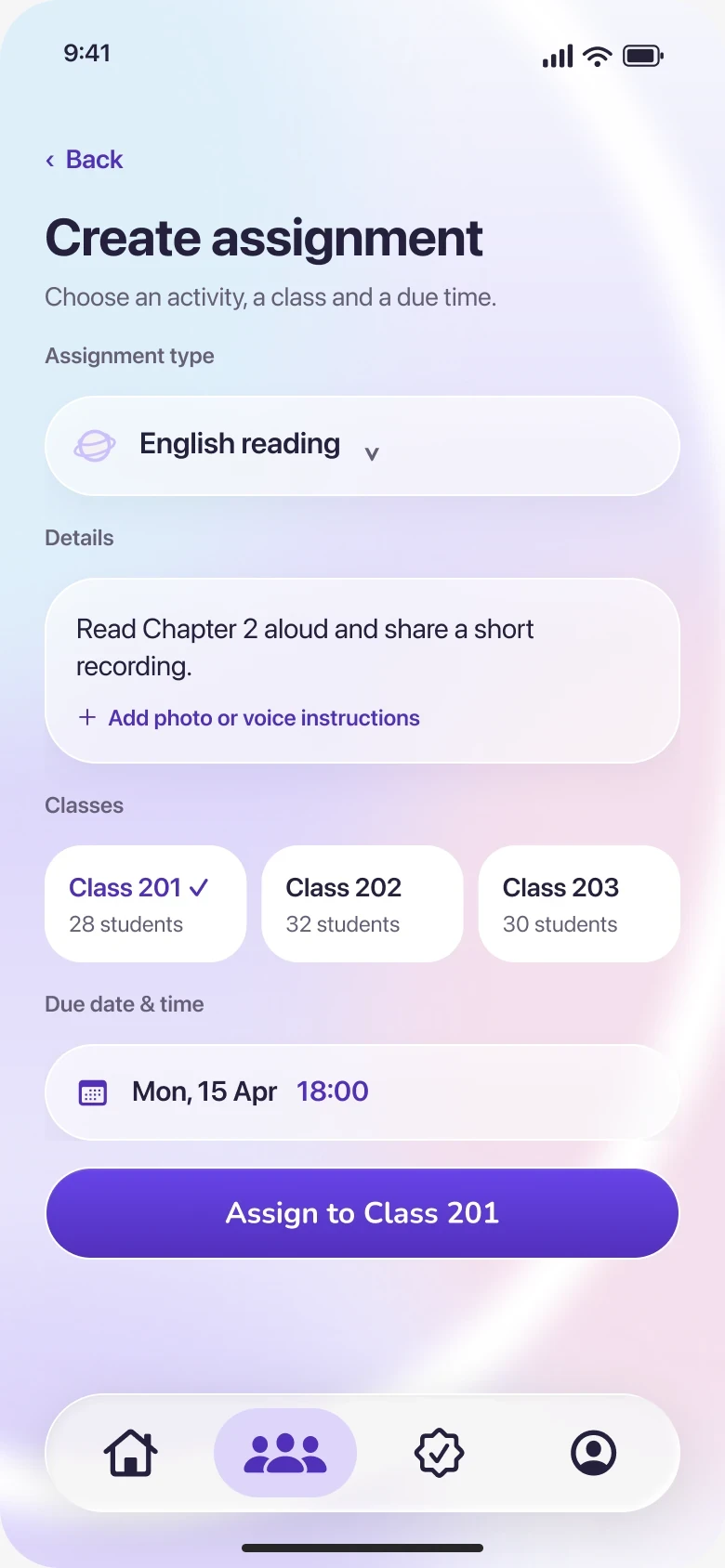
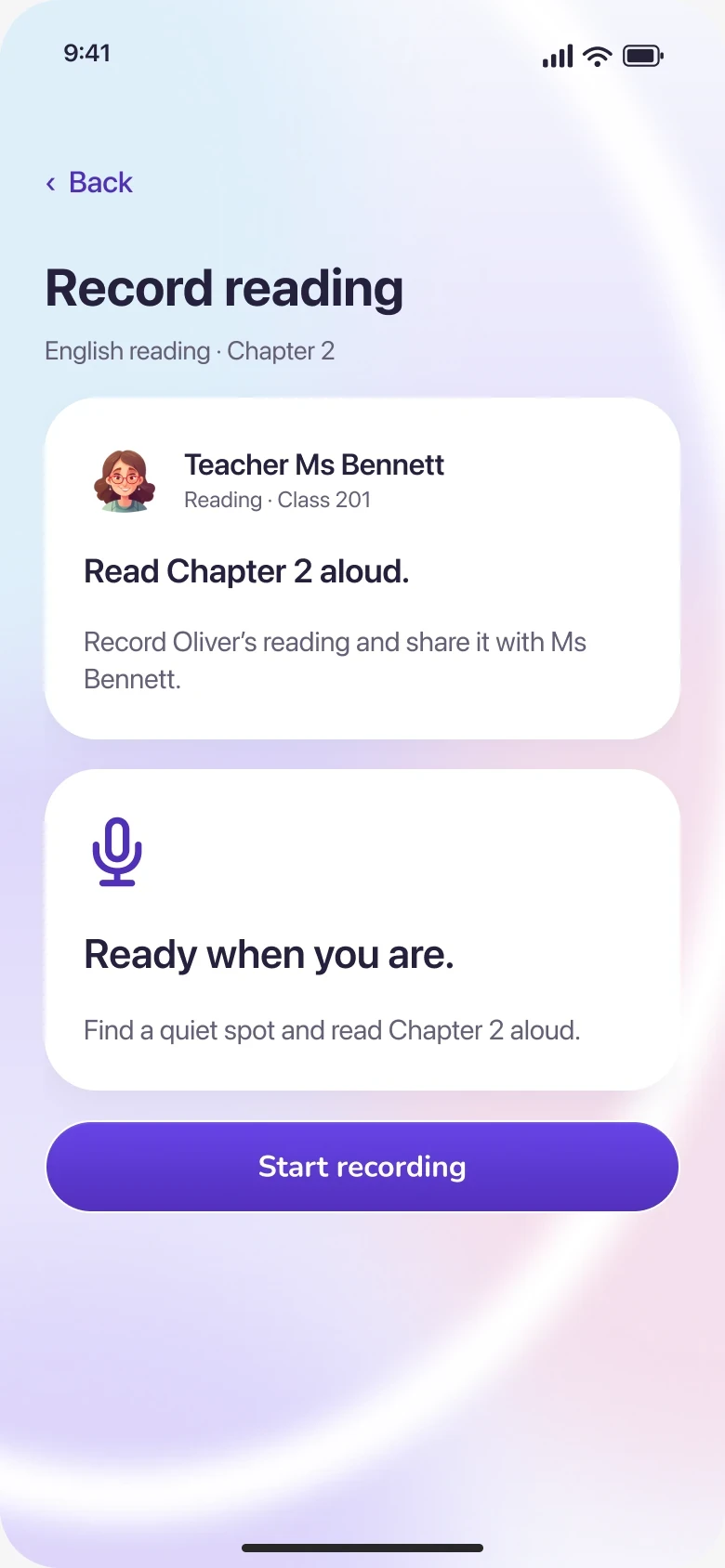
Read Chapter 2 aloud. Record Oliver’s reading and share it with your teacher.
Play instructions1:00 Lily BrownShared reading · Completed
“Very good!” — Teacher Ms Bennett
A voice recording or photo is enough.
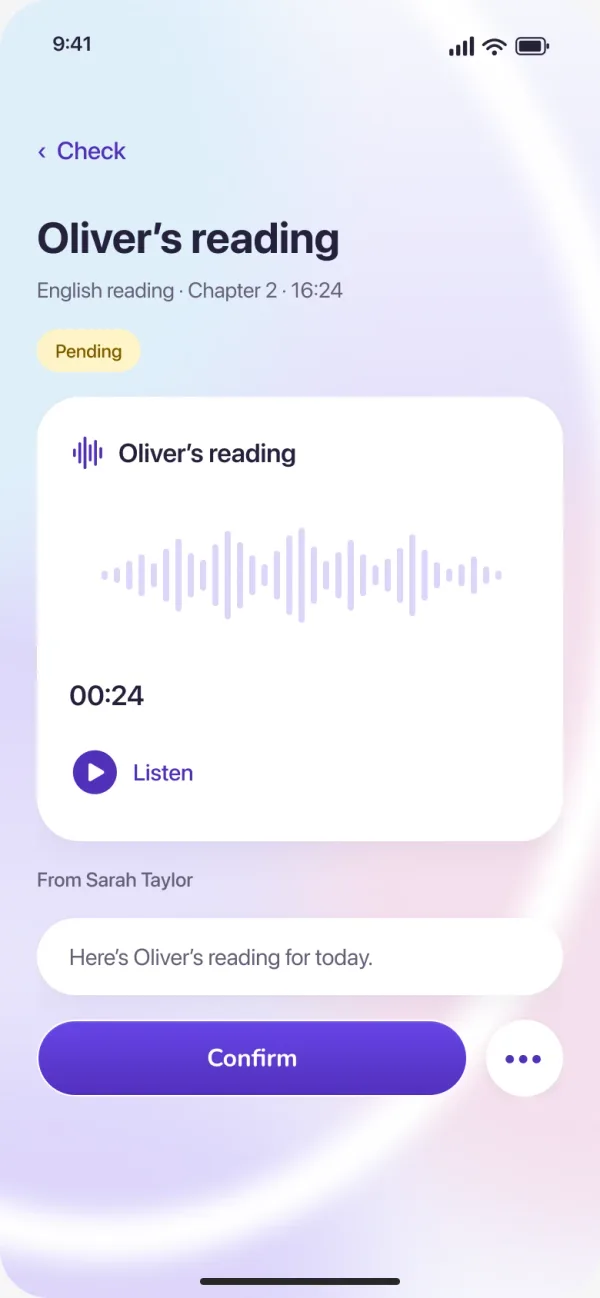
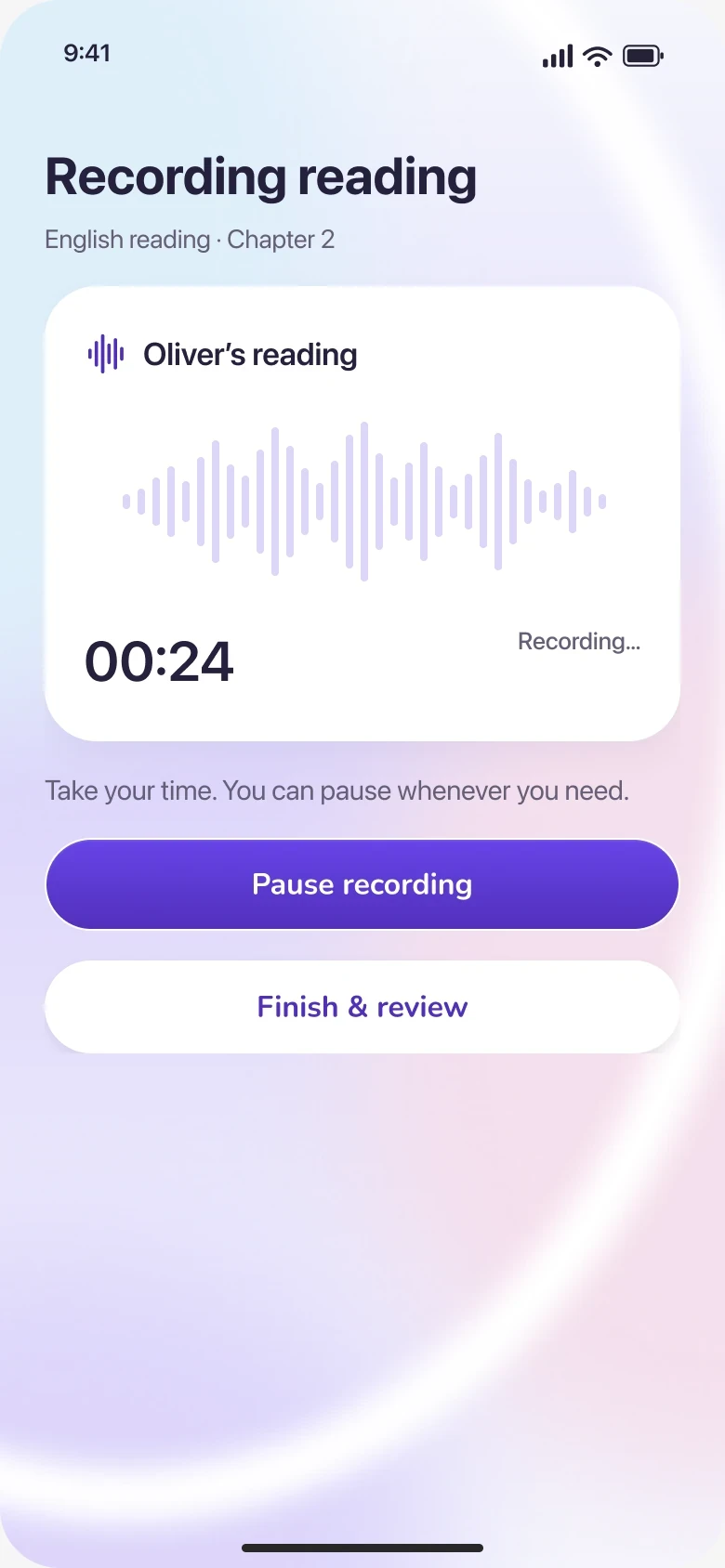
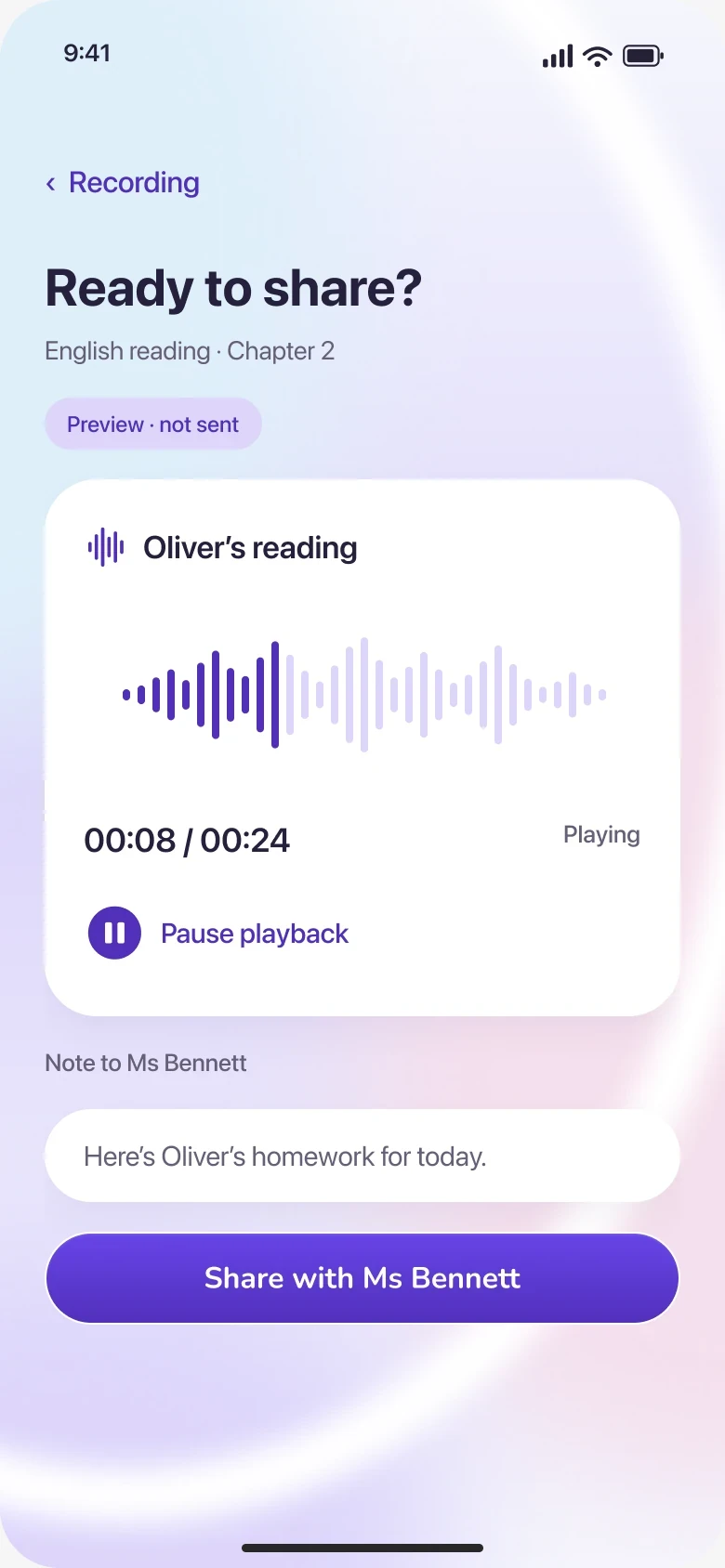
English reading · Chapter 2
Take your time. You can pause whenever you need.
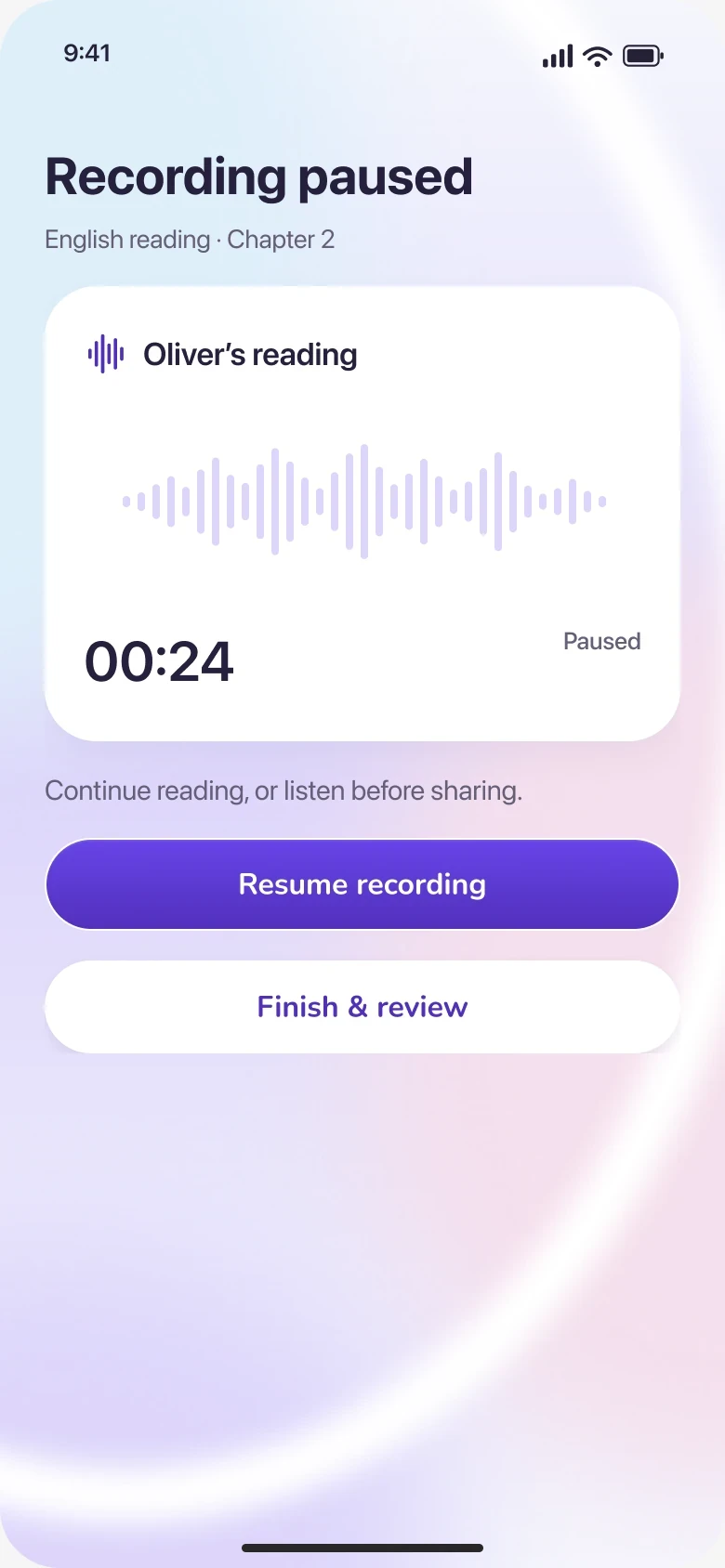
English reading · Chapter 2
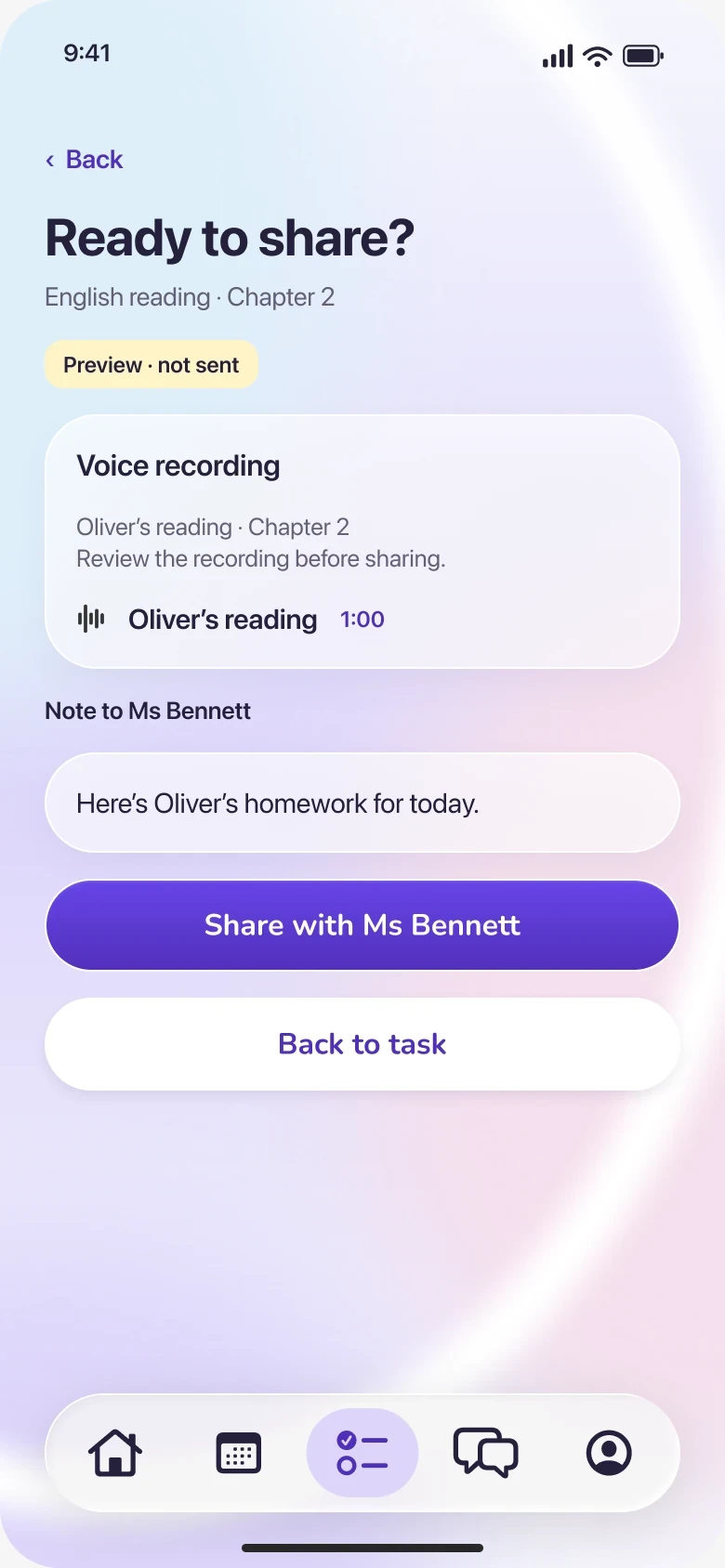
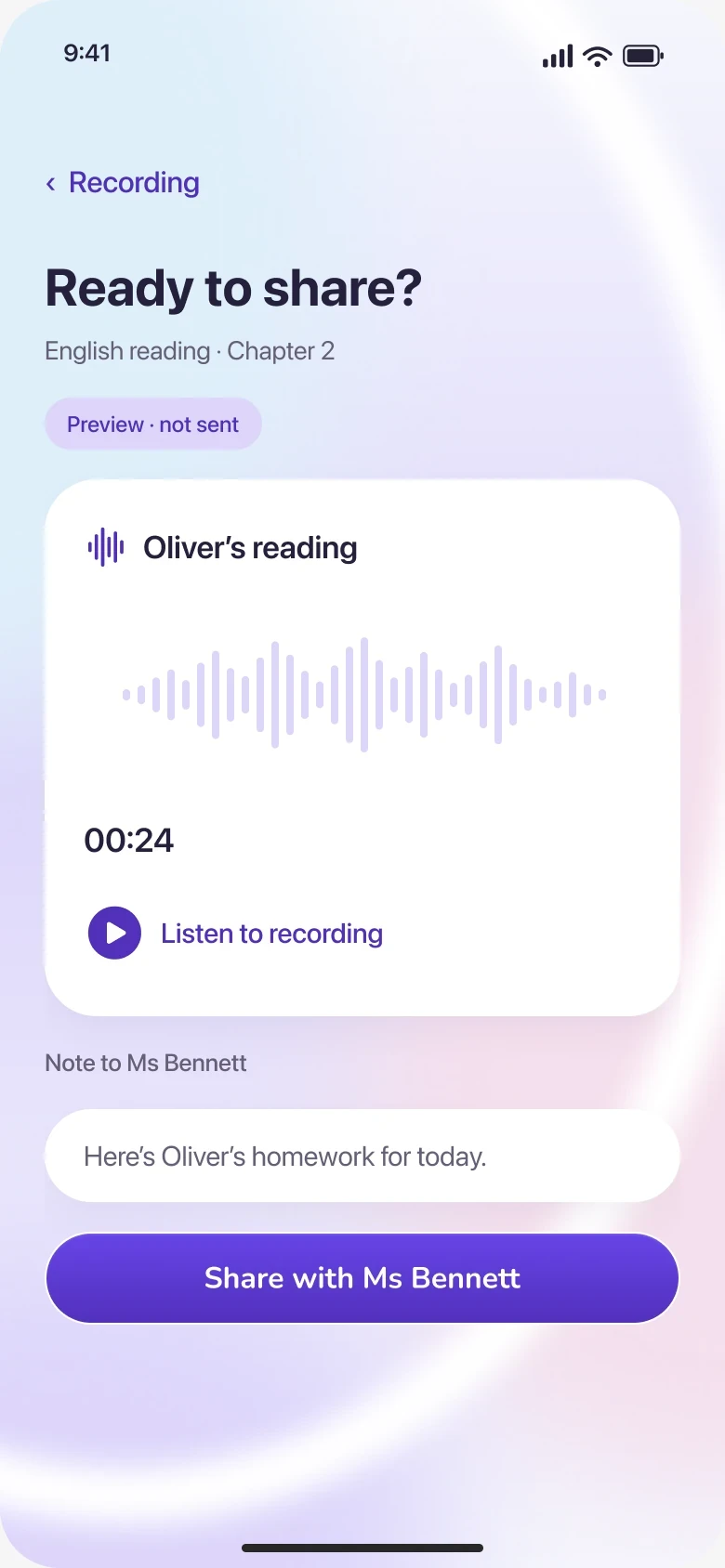
Preview · not sentNote to Ms Bennett
Oliver’s reading · 00:24
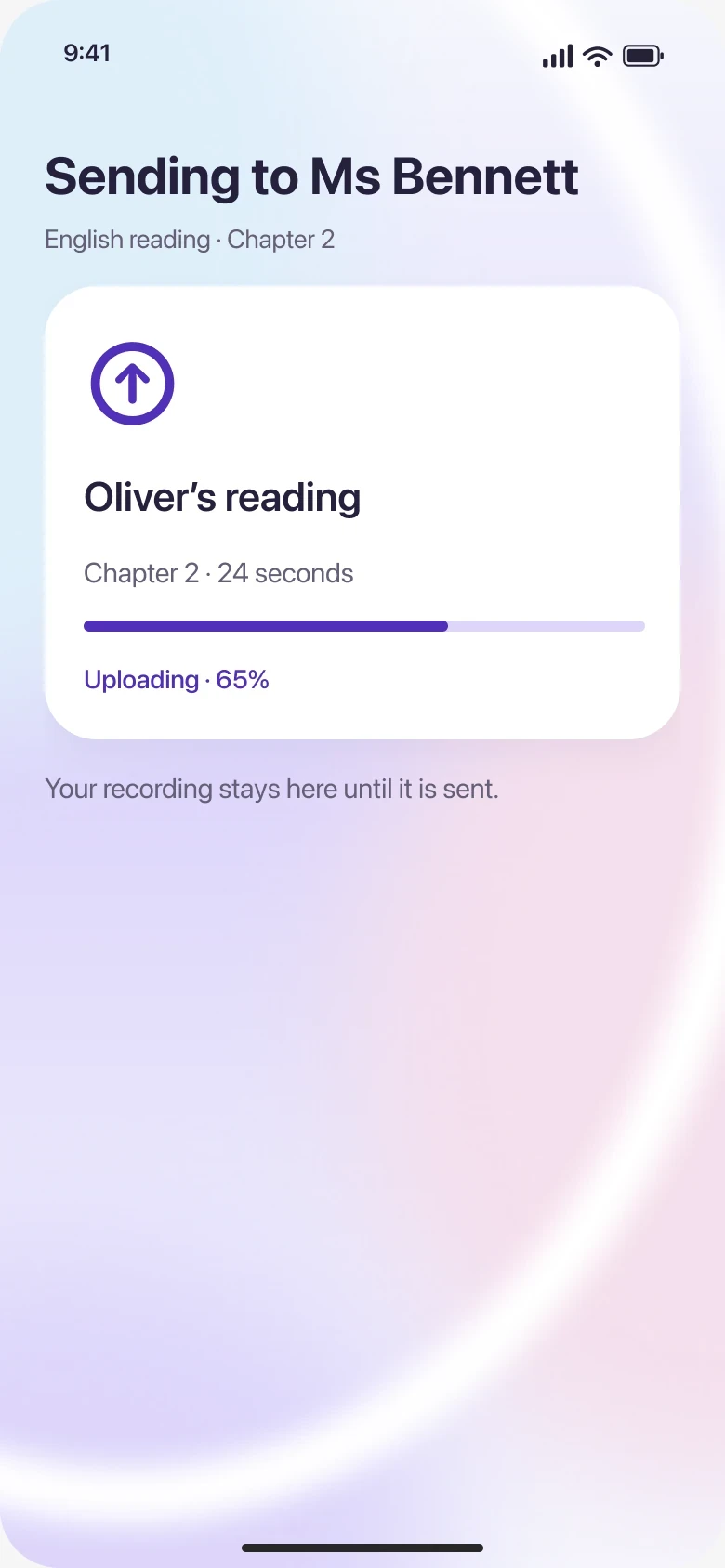
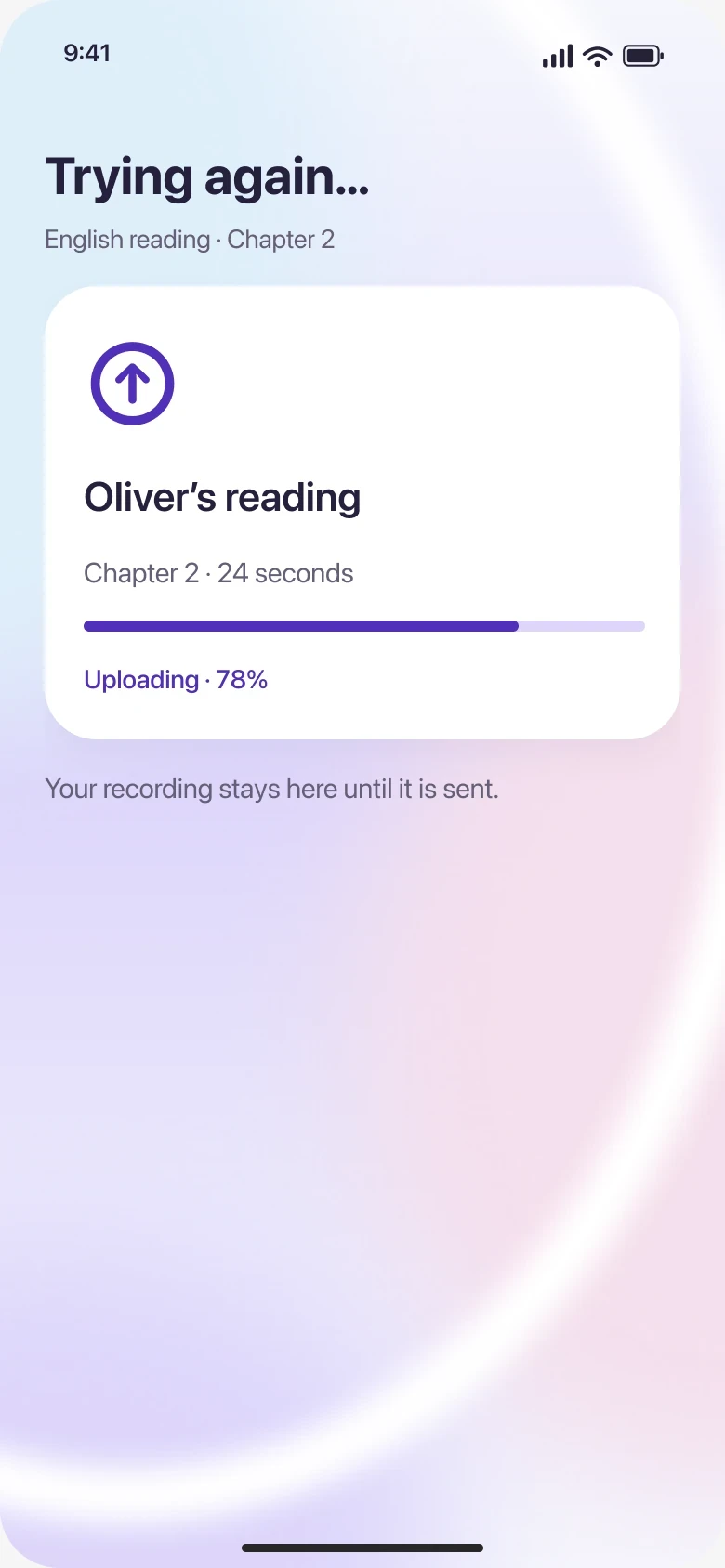
English reading · Chapter 2
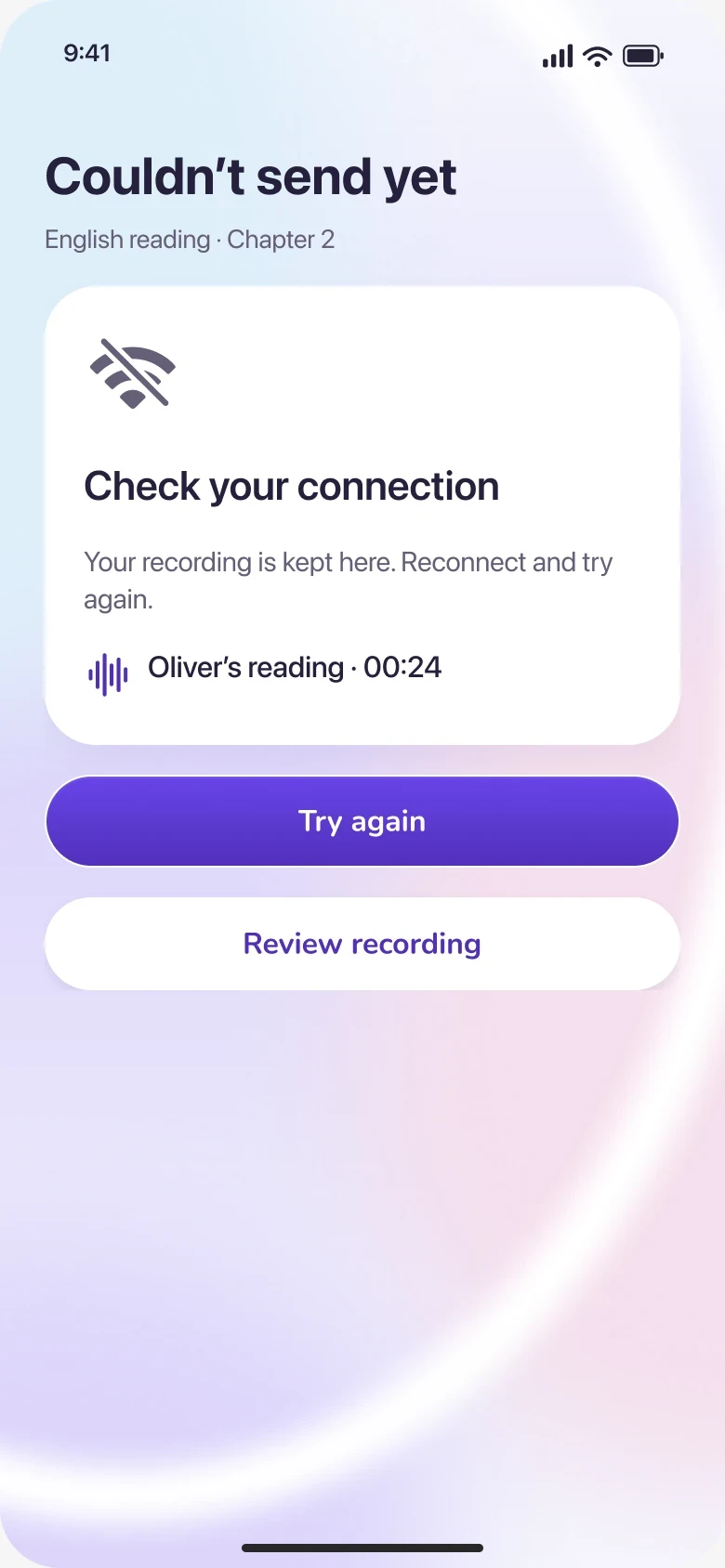
Your recording is kept here. Reconnect and try again.
Oliver’s reading · 00:24English reading · Chapter 2
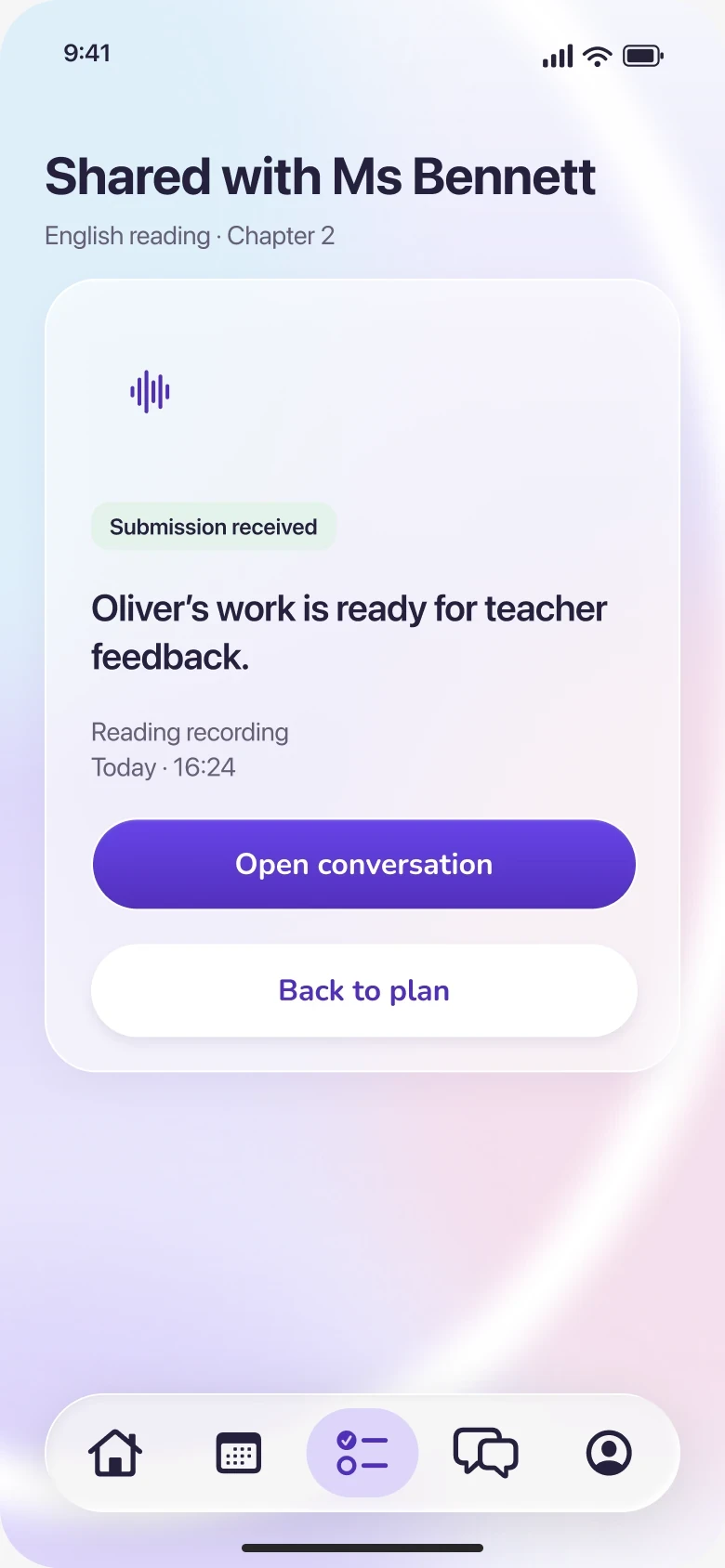
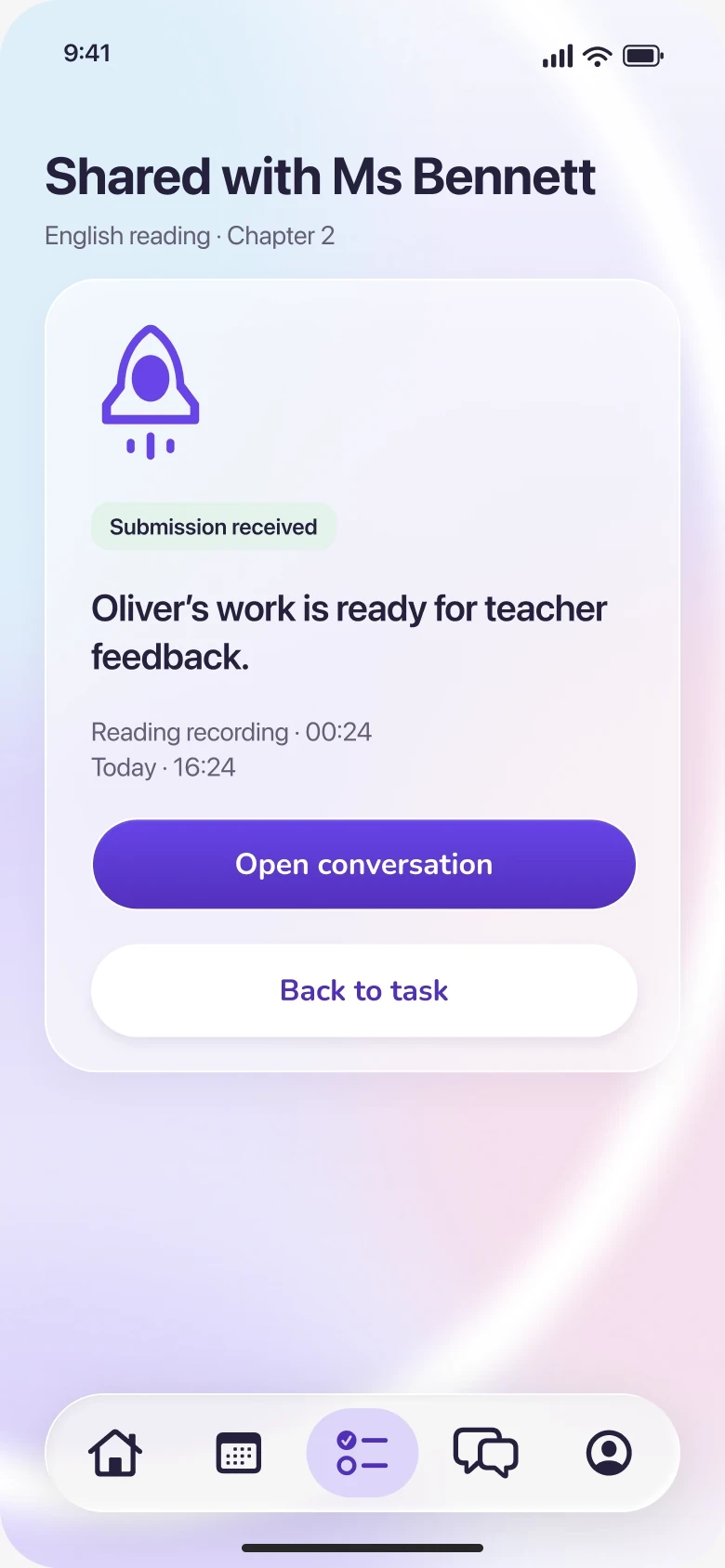
Reading recording · 00:24
Today · 16:24

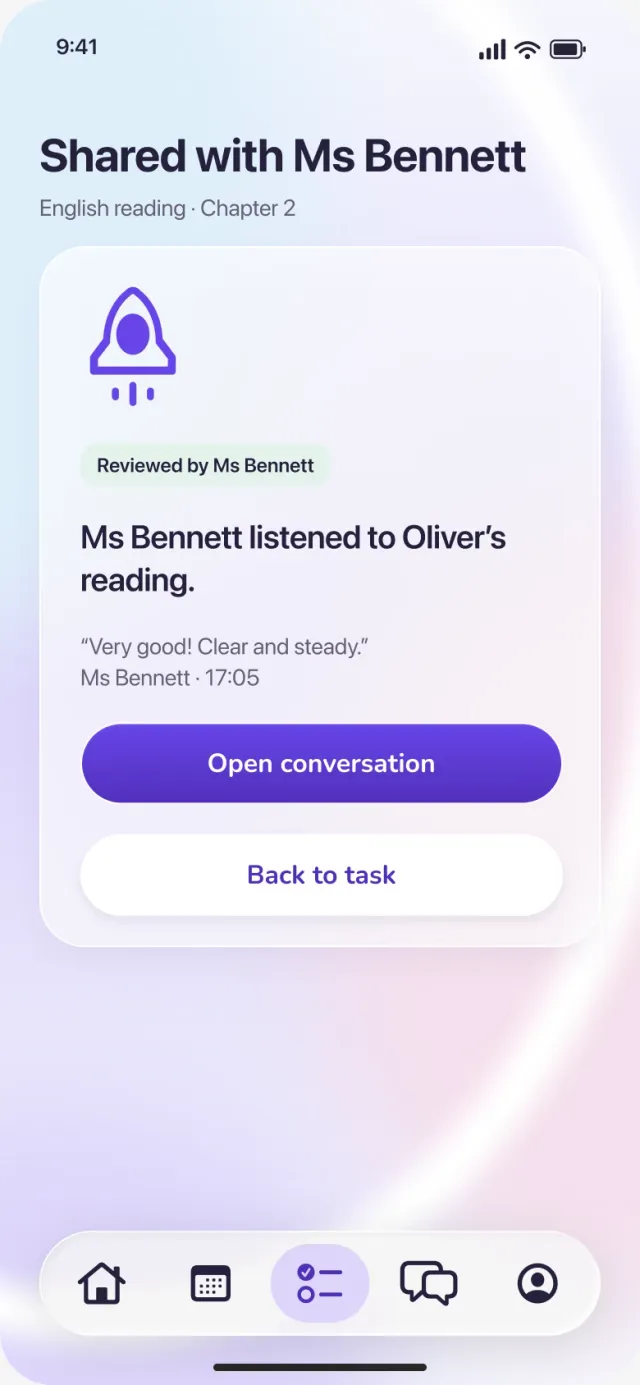
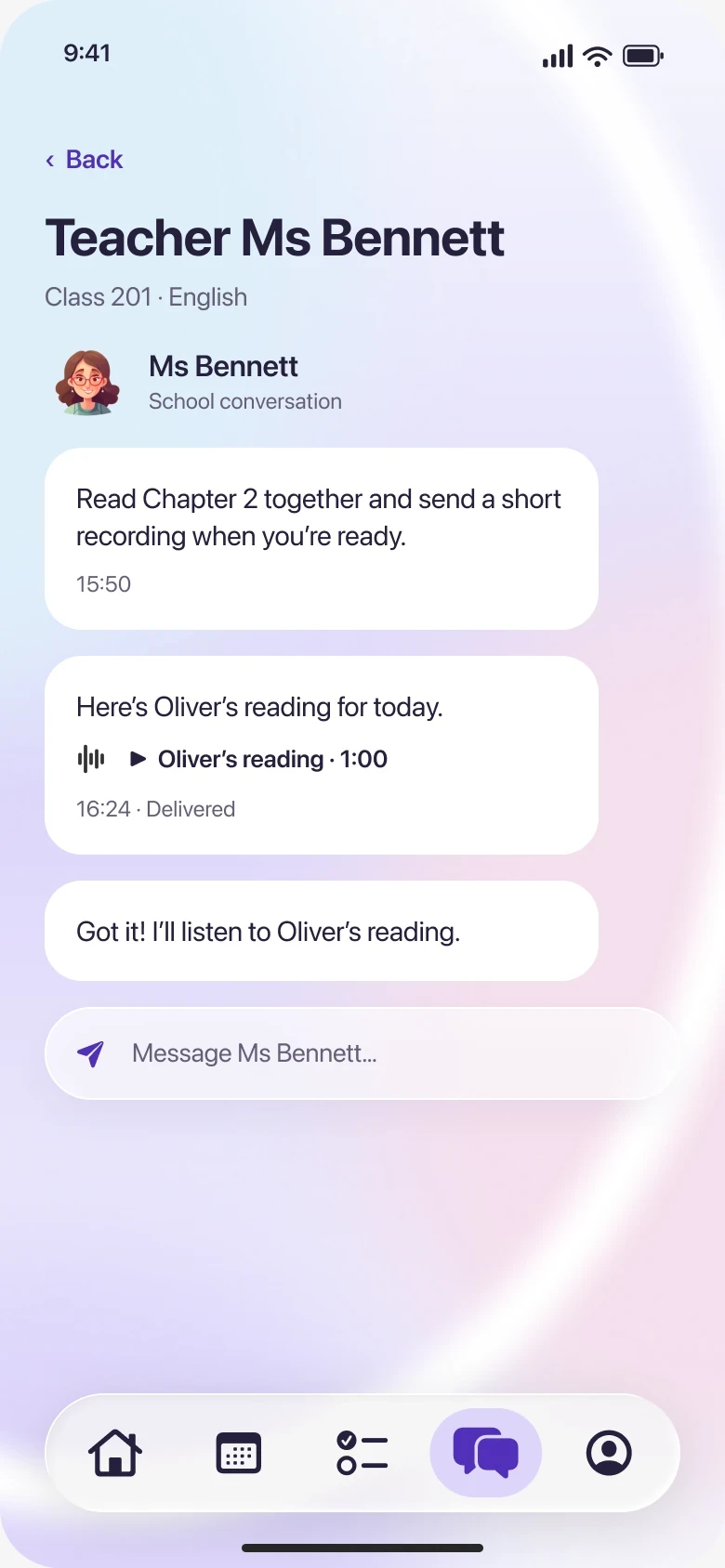
Ms Bennett · 17:05Very good! Clear and steady.
One recording, one state, on both phones.
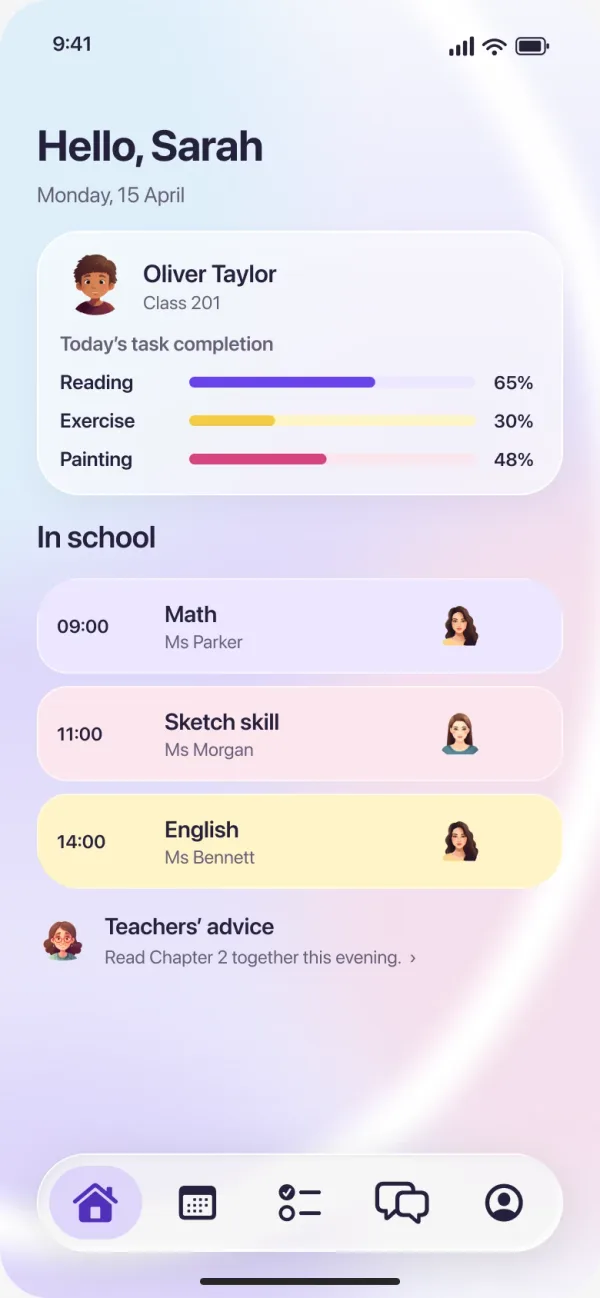
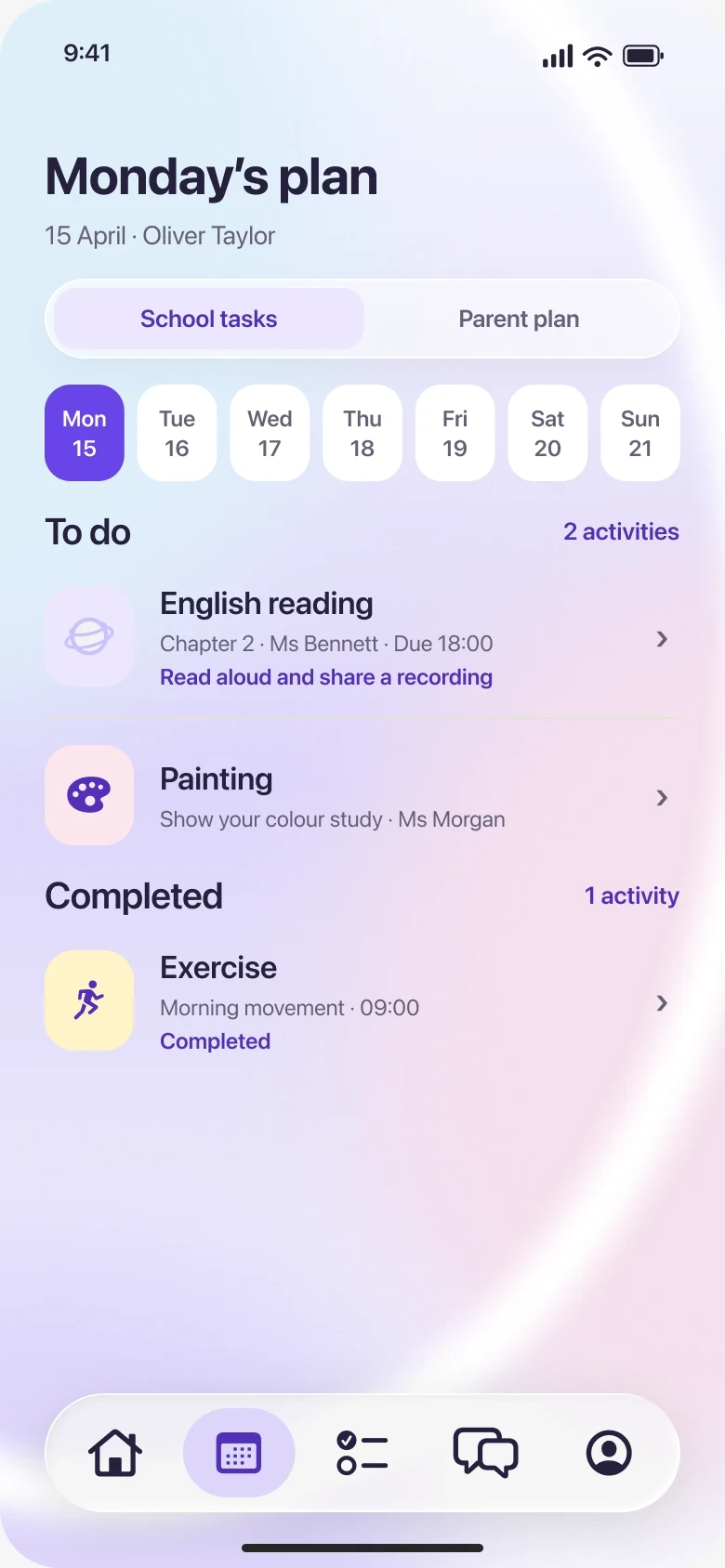
Monday, 15 April
Oliver TaylorClass 201Today’s task completion
Chapter 2 · Due today, 18:00
Teacher Ms BennettReading · Class 201Read Chapter 2 aloud. Record Oliver’s reading and share it with your teacher.
Play instructions1:00Lily BrownShared reading · Completed“Very good!” — Teacher Ms Bennett
A voice recording or photo is enough.
English reading · Chapter 2
Take your time. You can pause whenever you need.
English reading · Chapter 2
Preview · not sentNote to Ms Bennett
Oliver’s reading · 00:24
English reading · Chapter 2
Your recording is kept here. Reconnect and try again.
Oliver’s reading · 00:24English reading · Chapter 2
Reading recording · 00:24
Today · 16:24
Ms Bennett · 17:05Very good! Clear and steady.
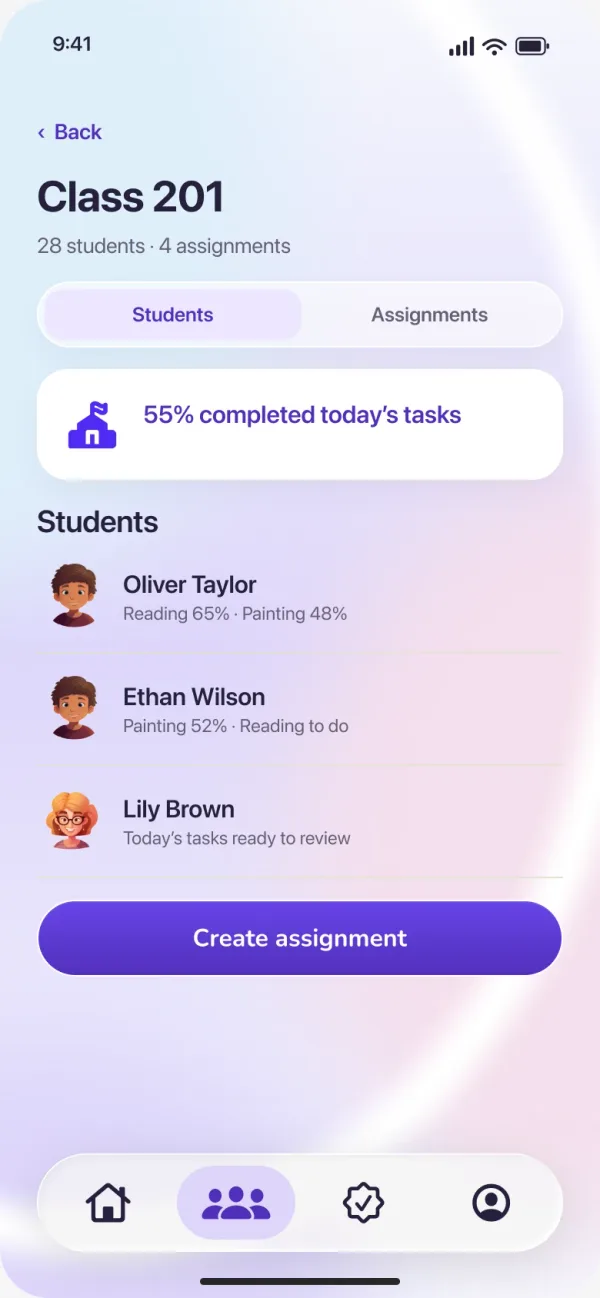
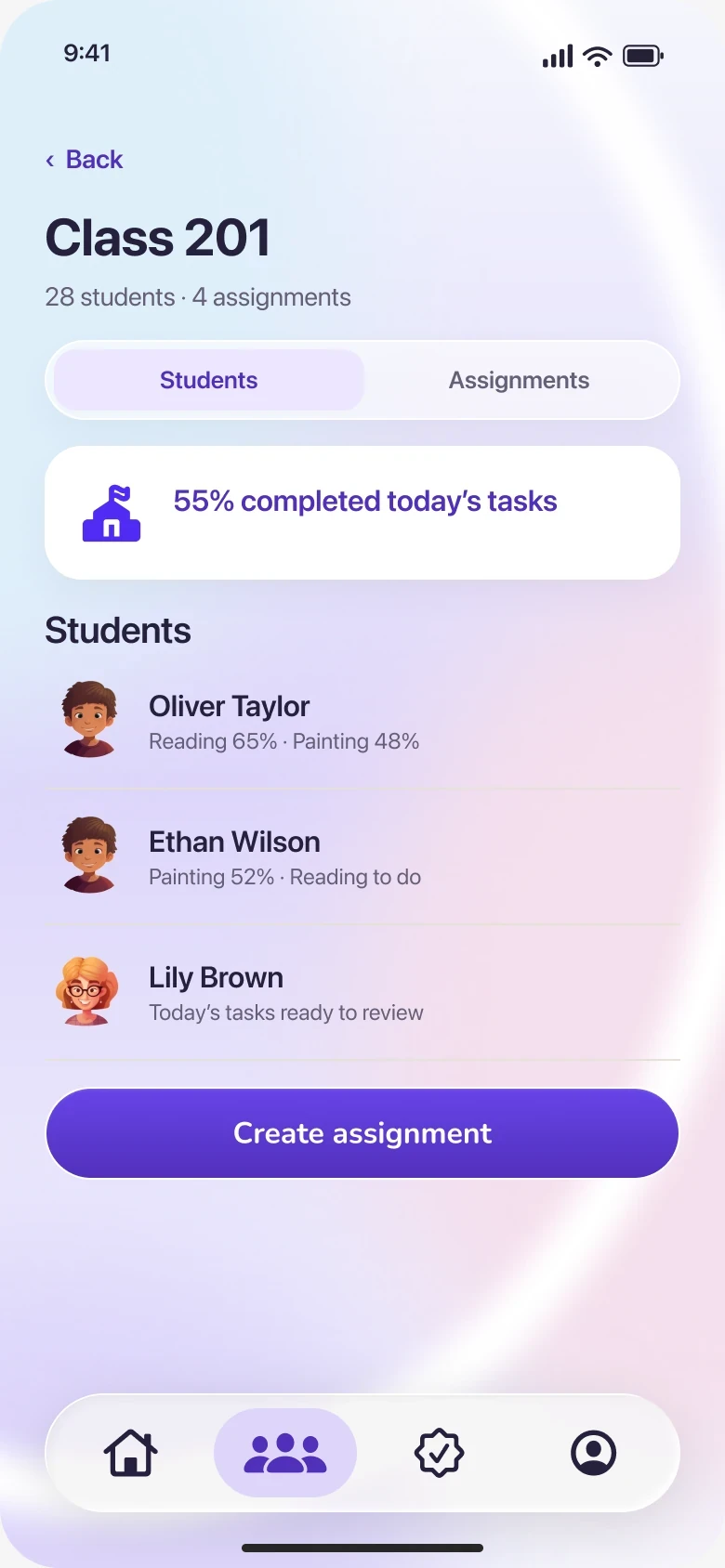
Today’s class overview
 Oliver TaylorClass 201 · Today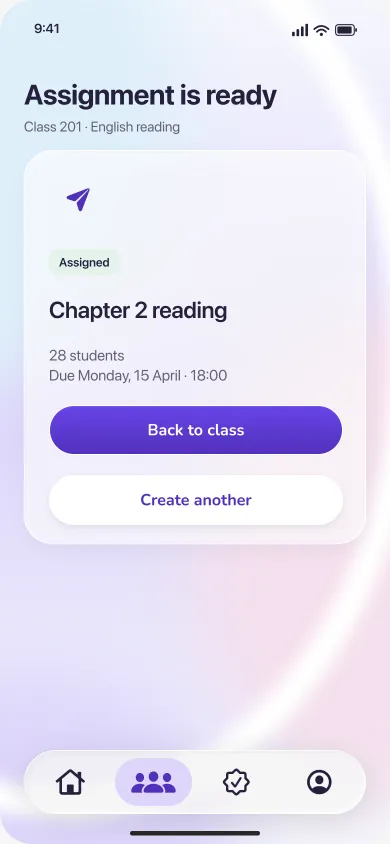
28 students · 4 assignments
 Oliver TaylorReading 65% · Painting 48%
 Lily BrownToday’s tasks ready to review
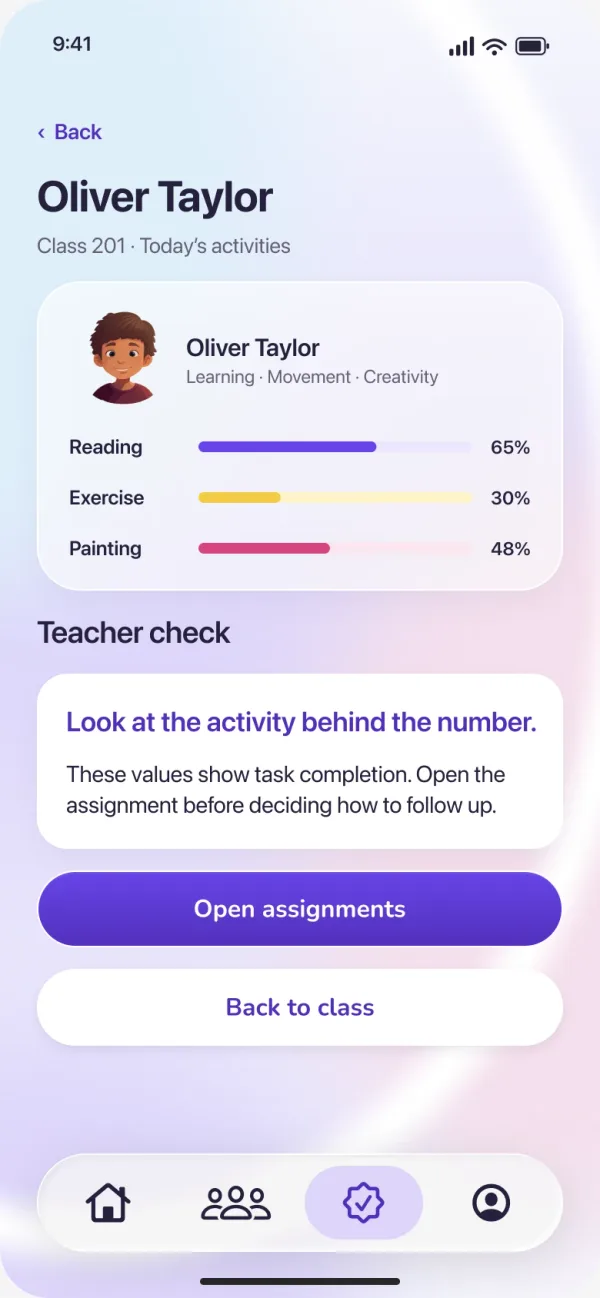
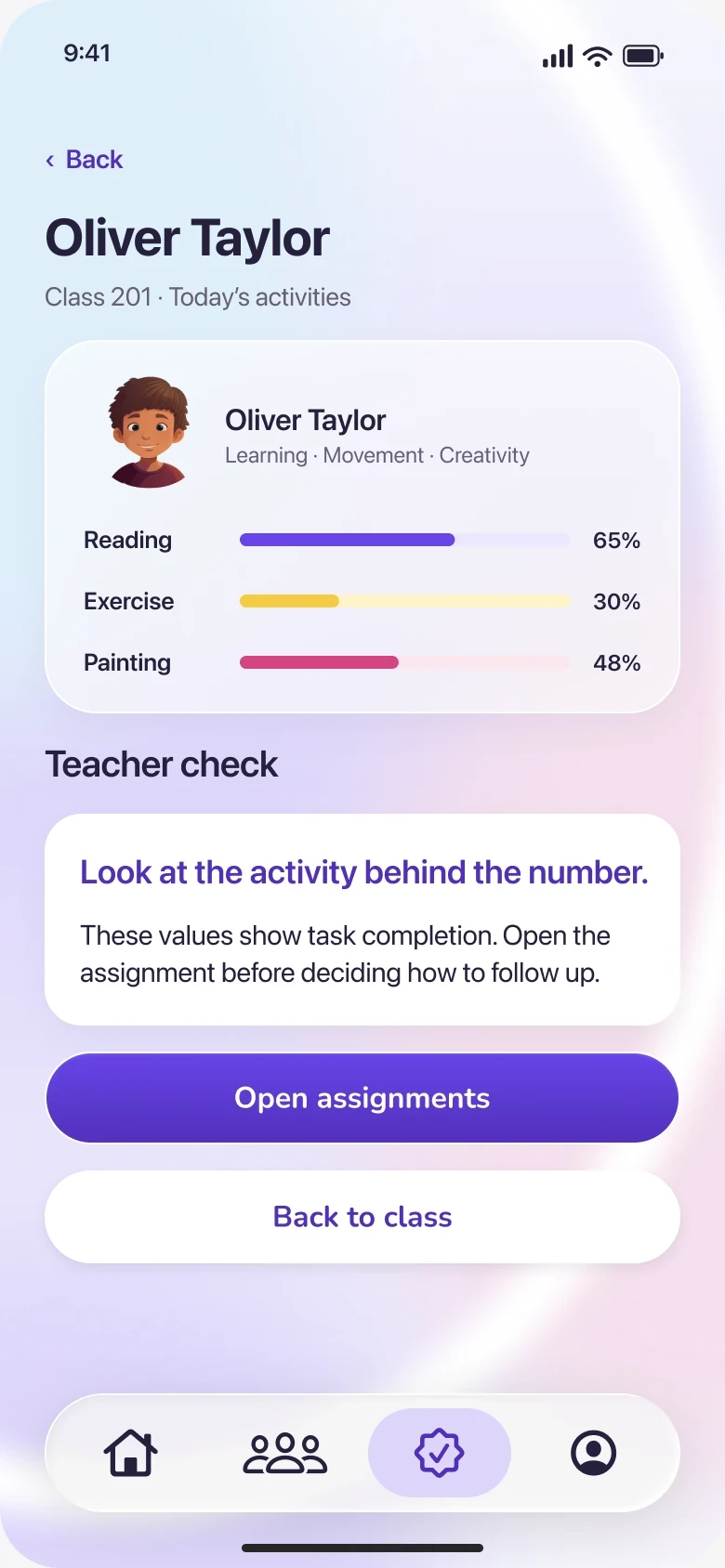
Class 201 · Today’s activities
 Oliver TaylorLearning · Movement · Creativity
These values show task completion. Open the assignment before deciding how to follow up.
English reading · Class 201
Oliver TaylorReading · 00:24 · 16:24NewLily BrownReading · 00:51 · 16:02Oliver TaylorConfirmed · 17:05English reading · Chapter 2 · 16:24
PendingFrom Sarah TaylorHere’s Oliver’s reading for today.
Add a comment
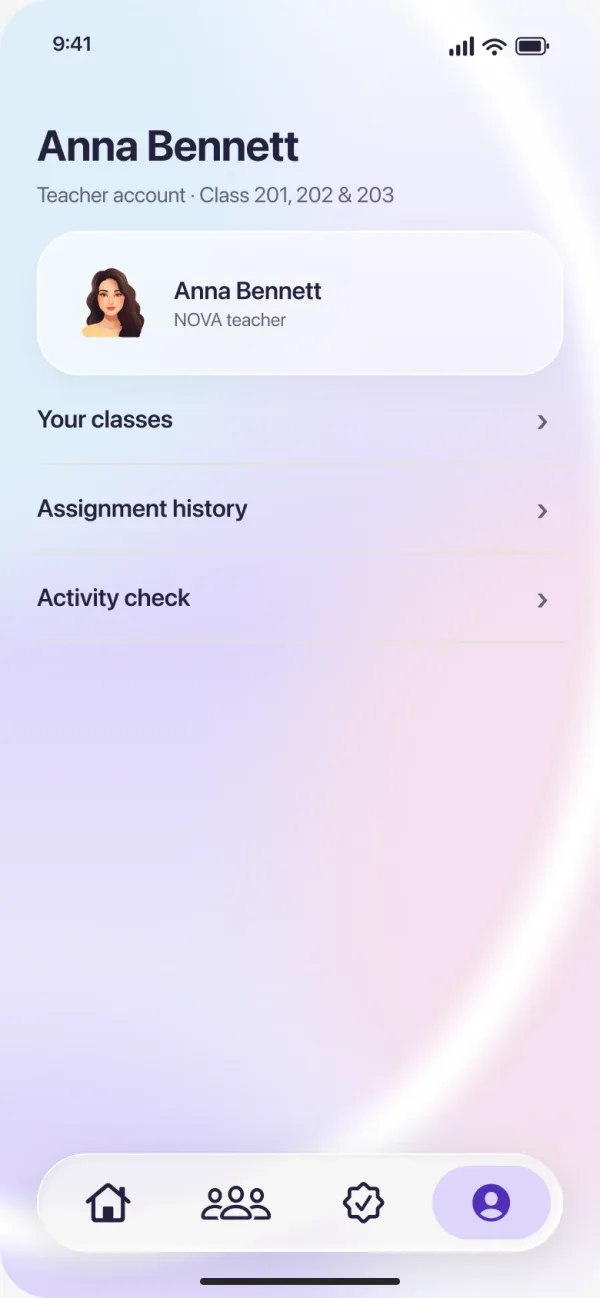
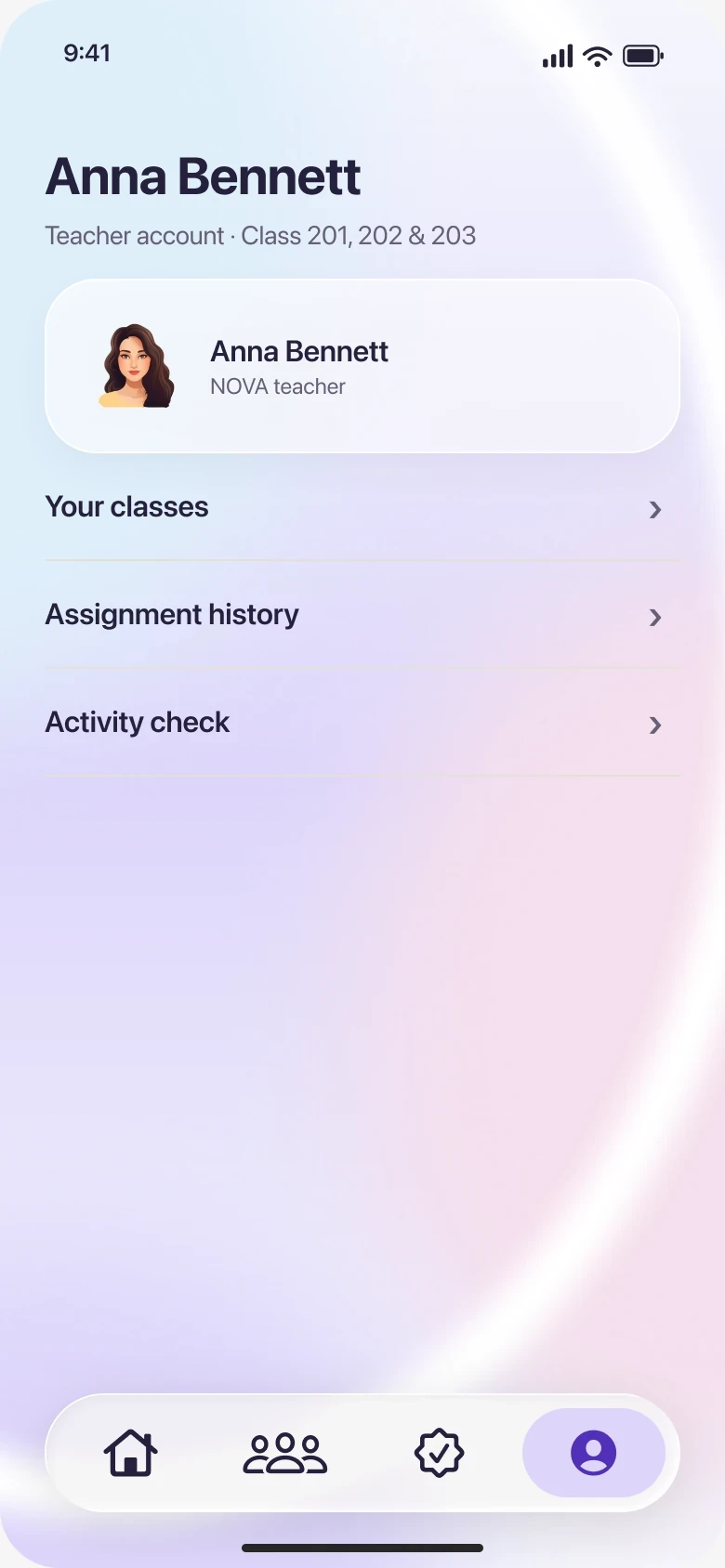
One complete teacher home; each layer has its own job. Hover a layer.
One reading task, shared by a teacher, a child and a family, from the classroom to home and back.
Next: the check queue with teachers and their own classes, and the reading task with families at home.
Explore the family and teacher perspectives. The same activities carry through each view, with different priorities at home and in the classroom.
At home
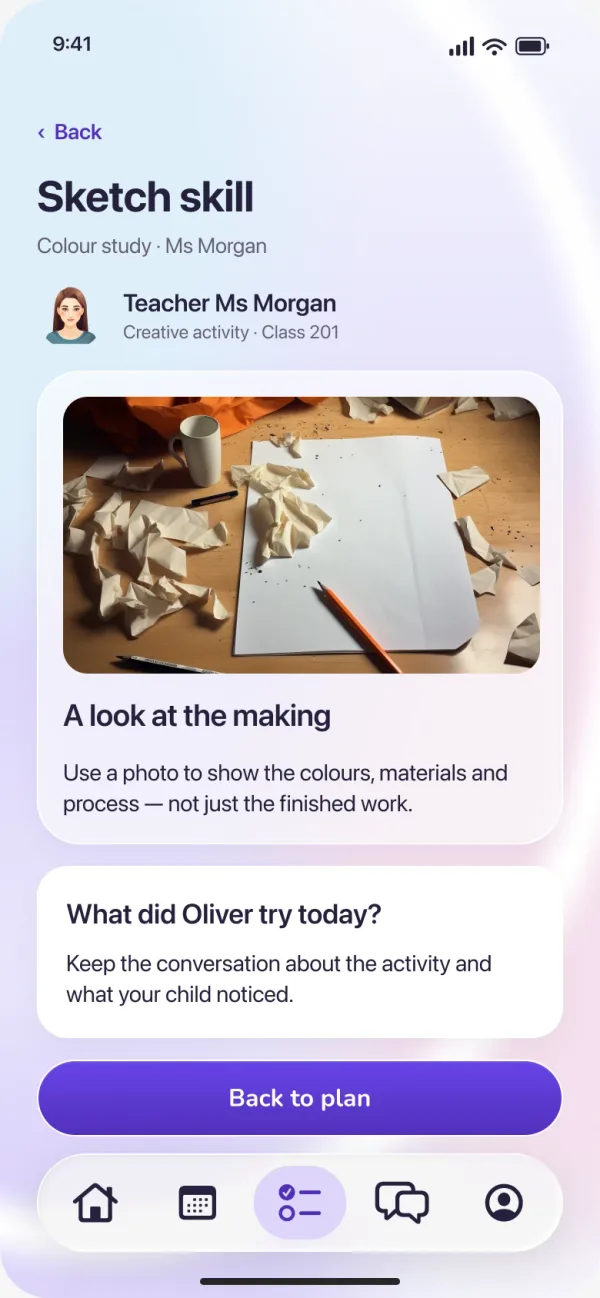
School activities, a shared timetable and the teacher’s advice sit together. The colour cues carry across every view.
Family home
Tap the screen to explore.
Recording and sending are simulated.
iPhone 17 Pro Max · Silver
Appendix · Concept, 2024
I gave the system one picture. A class is a galaxy. Teachers and parents are its stars. Each child is a planet of their own.
The App, the classroom board and the child’s own device all use it. Choose a planet to see what each person in Oliver’s class sees about that child.
Oliver
Oliver in Class 201’s capsule, and anything Oliver hands in, waiting in Check.
Oliver’s day: three activities, the timetable and Ms Bennett’s replies.
A planet of Oliver’s own on the class board and on Ribbon. It is never ranked against anyone.
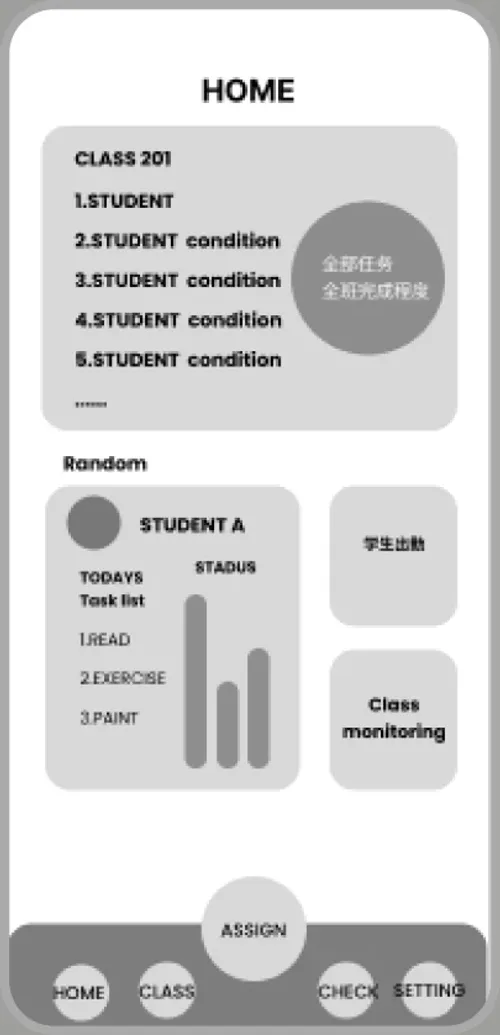
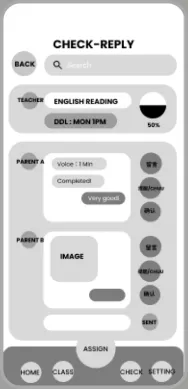
The 2024 board sketch ranked children by tasks finished. I took the ranking out: every planet is the same size, in no order.
The 2024 function map, redrawn. Follow the reading task and it passes through four places: two in each app.